How to deploy a Streamlit app in 2026 (beyond Community Cloud)
Streamlit Community Cloud is free — with 1 GB of memory, apps that sleep after 12 quiet hours, and just one private app. Here's when that's enough, and the three upgrade paths when it isn't.
Dmytro Chervonyi
Co-founder & CMO, livemy.app
Last updated
TABLE OF CONTENTS
item
AI Summary
Streamlit turns Python scripts into shareable web apps, and in 2026 it's a favorite of analysts and AI-assisted builders who aren't web developers. Four deployment paths cover every case. Streamlit Community Cloud is free and genuinely easy (GitHub connect, one click) but comes with hard limits: roughly 1 GB of memory, apps sleeping after 12 hours without traffic, unlimited public apps but only one private app, and no custom domains. livemy.app is the flat-rate upgrade — connect the repo or upload the project, auto-detect recognizes Streamlit, and the app runs around the clock with your own domain and SSL on the Maker plan at $10/month with no resource metering; the Free plan is for trying a deploy, since a Free project is live for 3 days after you create it and then goes offline, with code, data and URL kept for 30 days. Railway and Render suit apps that grew databases and background jobs. Docker on a VPS offers full control for those who want to manage a server. The guide includes the requirements.txt and config checklist that prevents most failed deploys, plus an honest look at Gradio (better for ML demos) and Dash (better for enterprise dashboards) for those searching for a Streamlit alternative.
Streamlit in 2026: Python scripts that became apps
Streamlit turns a Python script into a web app — sliders, charts, file uploads, chat interfaces — without any frontend code. It's how analysts ship dashboards, how ML tinkerers demo models, and increasingly how people with AI assistants build data tools: ask ChatGPT or Cursor for “a Python app that visualizes my sales data,” and the answer usually arrives as a Streamlit script.
Which creates the familiar gap: streamlit run app.py works on your machine, and now you want a URL that doesn't depend on your laptop staying open. Four paths, ranked by effort.
Before deploying anywhere: the 3-item checklist
Most failed Streamlit deploys trace back to one of these, regardless of platform:
requirements.txtexists and is complete. Everyimportin your script needs its package listed —streamlit,pandas,plotly, all of it. If an AI wrote your app, ask it to generate this file; missing requirements are the #1 deploy failure.Secrets are out of the code. API keys and database URLs belong in environment variables or Streamlit's secrets mechanism, never pasted in the script — especially if the repo is public.
The code is on GitHub (for most platforms) — or in a folder you can ZIP.
Option 1: Streamlit Community Cloud — free, with real limits
Cost: free. Effort: 10 minutes.
Streamlit's own hosting connects to your GitHub account: pick the repo, the branch, and the file, click Deploy, and the app builds on a streamlit.app URL. For sharing a dashboard with colleagues or a demo with a community, it's the right default — free and built by the people who make the framework.
The limits you'll eventually meet:
~1 GB of memory — a real pandas workload or a model in memory hits this fast, and over-limit apps get shut down
Sleep after 12 quiet hours — the next visitor finds a “waking up” page instead of your app
Unlimited public apps, but only one private app — anything else has to live in a public GitHub repo
No custom domains — you live on
yourapp.streamlit.app
For hobby use, none of this matters. For anything client-facing — a tool with your name on it, a dashboard a customer checks daily — the sleep page and the subdomain are usually what push people to option 2.
Option 2: livemy.app — around the clock, your domain, flat rate
Cost: Free plan to try it; Maker $10/month flat. Effort: 10–15 minutes.
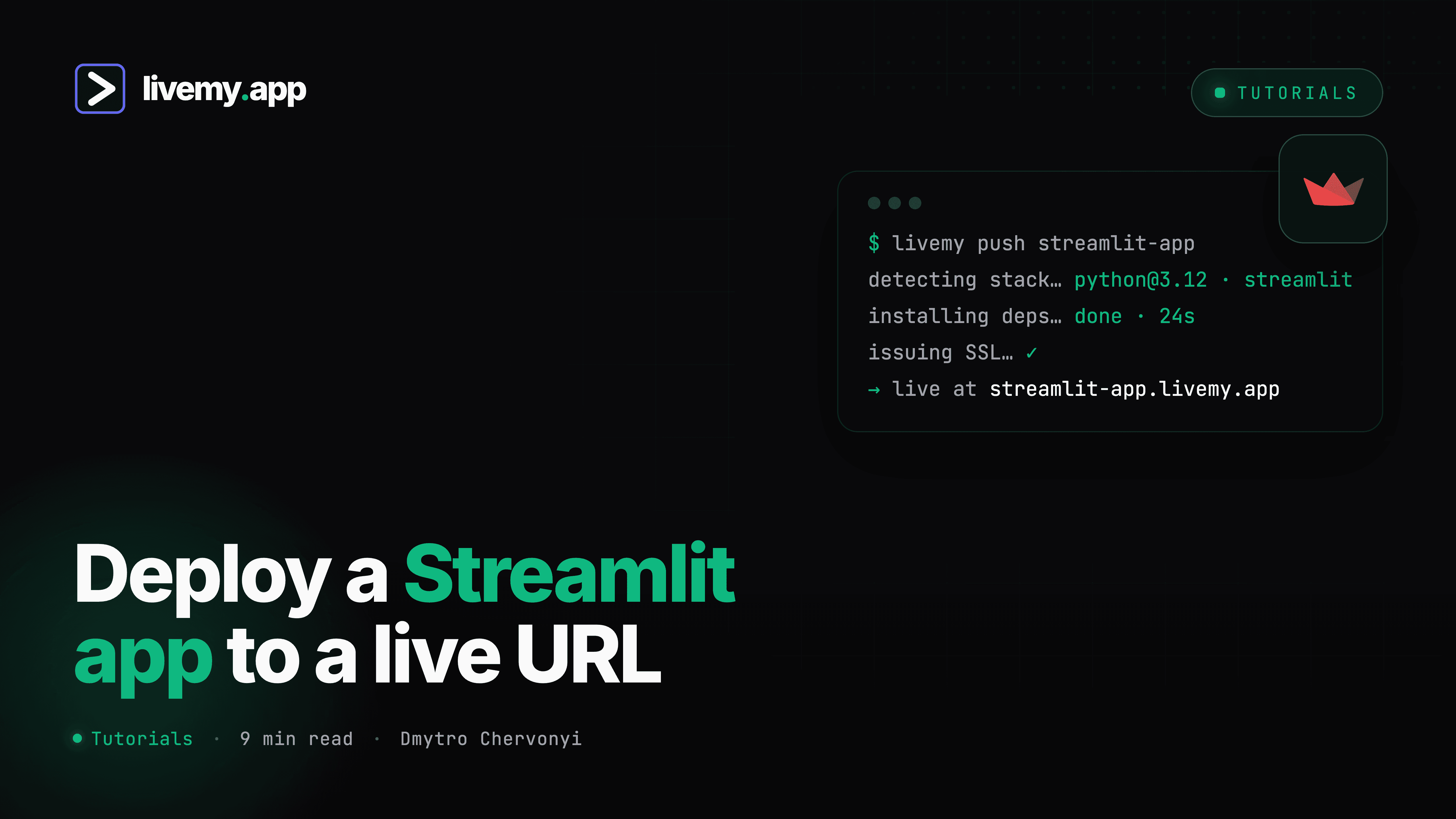
livemy.app hosts Streamlit apps the way it hosts any AI-built project — auto-detect does the configuration:
1. Connect the GitHub repo (or upload the project as a ZIP — no GitHub required, unlike Community Cloud).
2. Auto-detect identifies the Streamlit app from your
requirements.txtand entry file, and sets the run command — no Dockerfile, no port configuration.3. Paste your secrets as environment variables in the dashboard — your script reads them as usual.
4. Go live. The app gets a URL; on Maker you connect your own domain and SSL issues automatically — the custom domain guide covers the DNS step.
What changes vs Community Cloud on the Maker plan: your own domain instead of a streamlit.app subdomain, no 1 GB ceiling, no public-repo requirement, monitoring included, and the app stays up around the clock. The bill is flat — $10/month, no resource metering — which matters for data apps precisely because memory spikes are normal behavior, not anomalies. The Free plan is the trial run: one project on a livemy.site subdomain, no card, live for 3 days after you create it and then offline; your code, data and URL are kept for 30 days, so upgrading brings the app back on the same URL.
→ Start free on livemy.app · No credit card · Streamlit auto-detected from the repo.
Option 3: Railway or Render — when the app grew an architecture
Cost: Railway from $5/month usage-based; Render from $7/month per service. Effort: 30–60 minutes.
If your Streamlit app is the visible part of something bigger — a Postgres database, a scheduled job refreshing data, a separate API — a multi-service platform earns its configuration overhead. Both deploy Streamlit from a GitHub repo; you'll set the start command yourself (streamlit run app.py --server.port $PORT --server.address 0.0.0.0) and wire services together. Choosing between them: Render vs Railway.
Option 4: Docker on a VPS — full control
Cost: $5–20/month for the server. Effort: hours, plus ongoing maintenance.
A Streamlit Dockerfile is short — Python base image, install requirements, expose the port, run the command — and a small VPS runs several apps behind a reverse proxy. You own updates, SSL, backups, and 3am restarts. Worth it if you're already maintaining a server for other things; not worth becoming a sysadmin for one dashboard.
Looking for a Streamlit alternative instead?
Sometimes the deployment search is really a framework search. The honest map:
Gradio — better for ML model demos: chat interfaces, image in/out, audio. Hugging Face Spaces hosts Gradio apps free, the standard for sharing models.
Dash (Plotly) — better for complex, enterprise-grade dashboards with fine-grained layout control. Steeper learning curve, more code per feature.
Stay with Streamlit — for general data apps built fast by non-frontend people, it remains the best effort-to-result ratio in Python. Most “Streamlit alternative” searches end with better hosting, not a rewrite.
FAQ
How do I deploy a Streamlit app for free?
Streamlit Community Cloud — connect GitHub, pick the repo, click Deploy. Free for unlimited public apps (plus exactly one private app) with ~1 GB memory that sleep after 12 quiet hours. It is the best permanently free option for a Streamlit app. livemy.app's Free plan is a different thing: no GitHub needed and no card, but a Free project is live for 3 days after you create it and then goes offline — use it to test the deploy and the ZIP upload path, then move to Maker at $10/month if the app needs to stay up.
Why does my Streamlit app keep going to sleep?
Community Cloud hibernates apps after 12 hours without traffic; visitors then see a wake-up page while it restarts. Any paid host removes that policy — Railway, Render, your own server, or livemy.app's Maker plan at $10/month, which keeps the app up around the clock and adds your own domain, 10 GB of storage, and an SLA.
How do I get a custom domain on a Streamlit app?
Community Cloud doesn't support them — you'll need to host elsewhere. On livemy.app's Maker plan: deploy the app, add your domain in the dashboard, update one DNS record, and SSL issues automatically.
My Streamlit app exceeds Community Cloud's memory limit — what now?
First trim the app: cache data loading with @st.cache_data, avoid loading full datasets into memory. If it's still over 1 GB, move to hosting without the shared-pool ceiling — flat-rate livemy.app or a sized service on Render/Railway.
Can I deploy a Streamlit app without GitHub?
Not on Community Cloud — GitHub is required. On livemy.app you can upload the project folder as a ZIP directly; on a VPS you copy files however you like.

Dmytro Chervonyi
,
Co-founder & CMO, livemy.app
Co-founder & CMO at livemy.app. 12 years as a CMO scaling SaaS from $0 to $10M+ ARR across marketing, sales, and infra products and tools. Now building the missing step between AI-built code and a live URL — for non-developers who'd rather ship than learn DevOps.


