Step-by-step
deployment tutorials.
The “click here, then here” guides for shipping any web app, Docker container, or framework to a live URL – without DevOps.
The deploys worth reading






All Articles


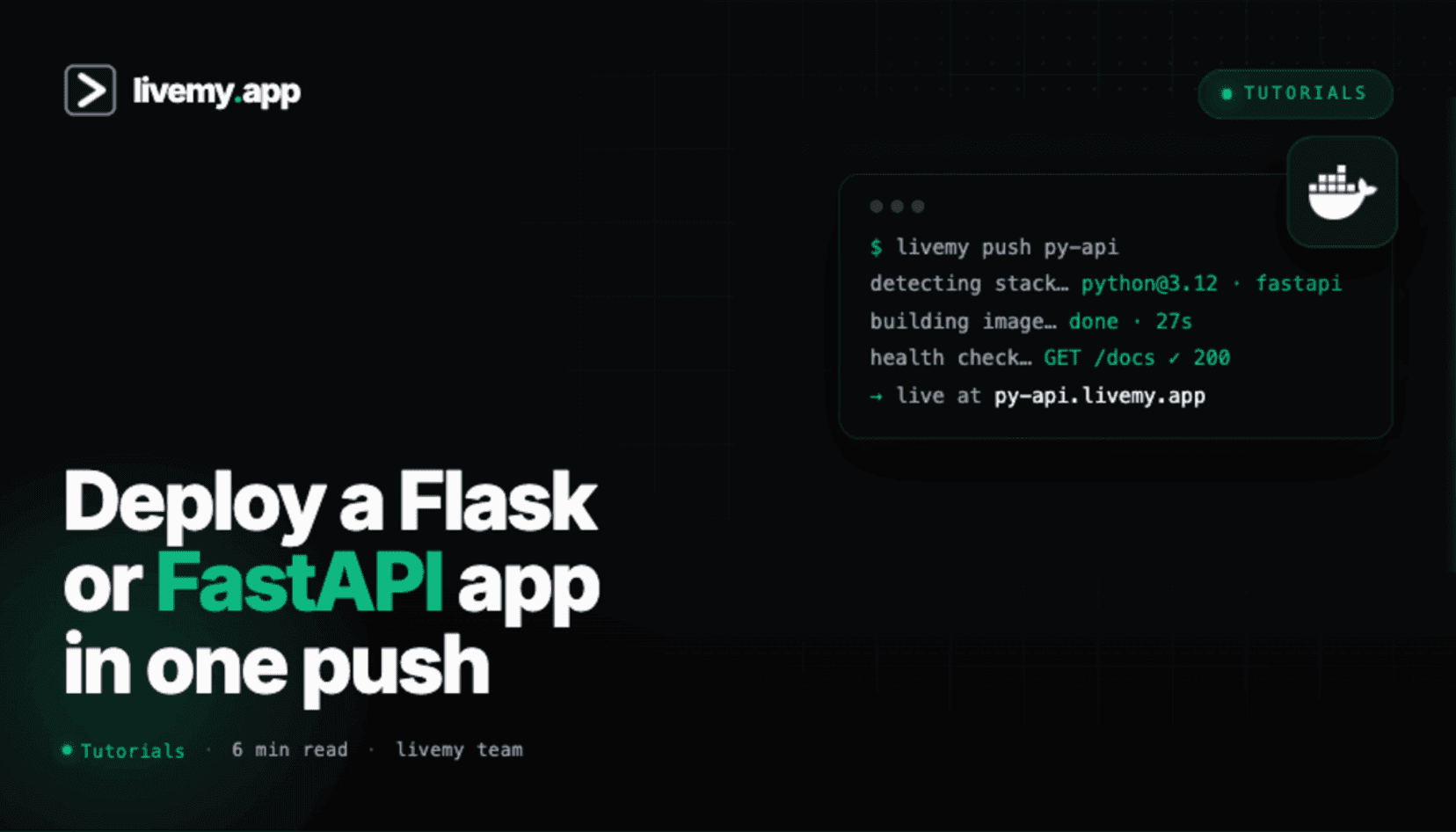
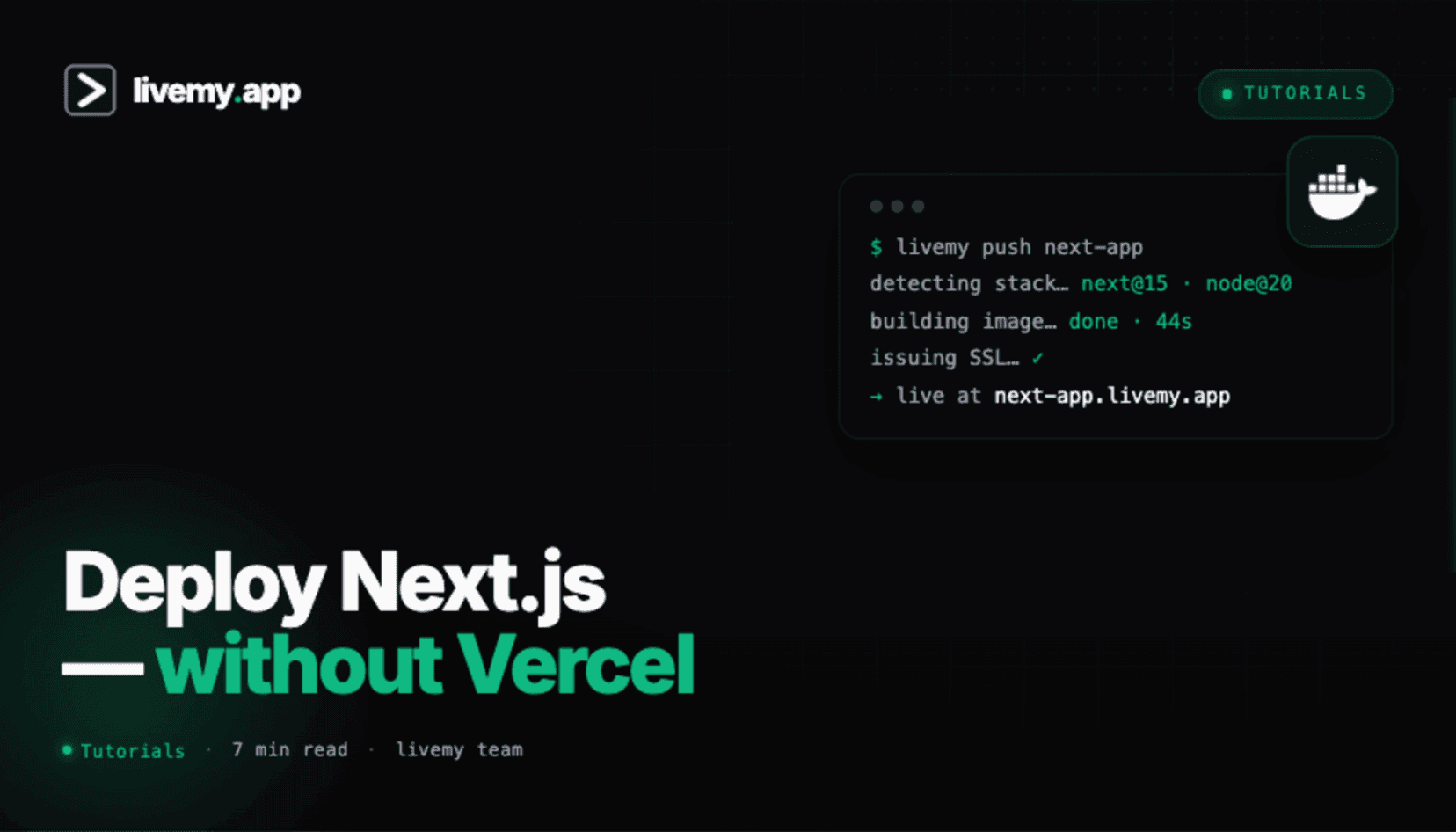
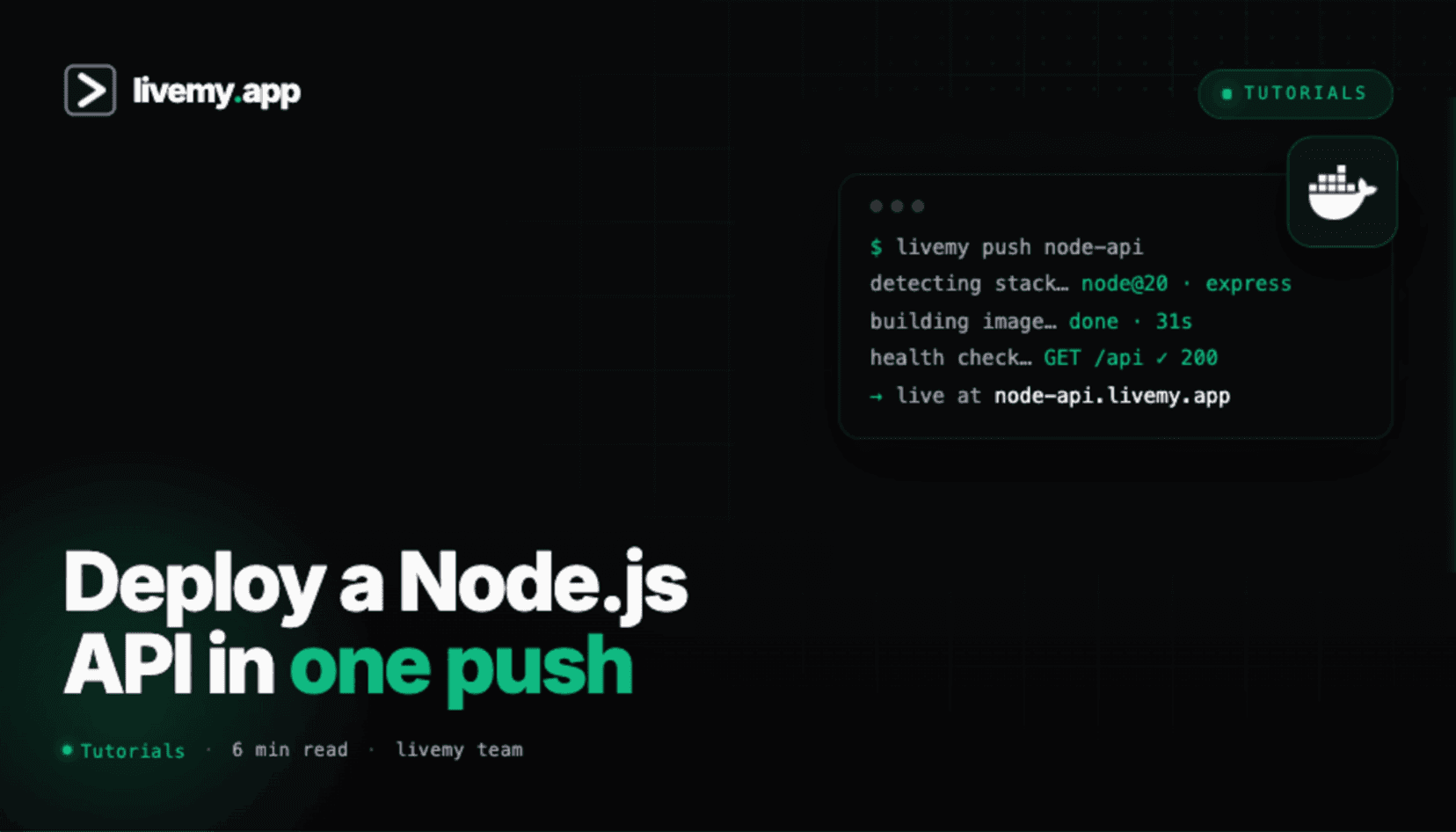
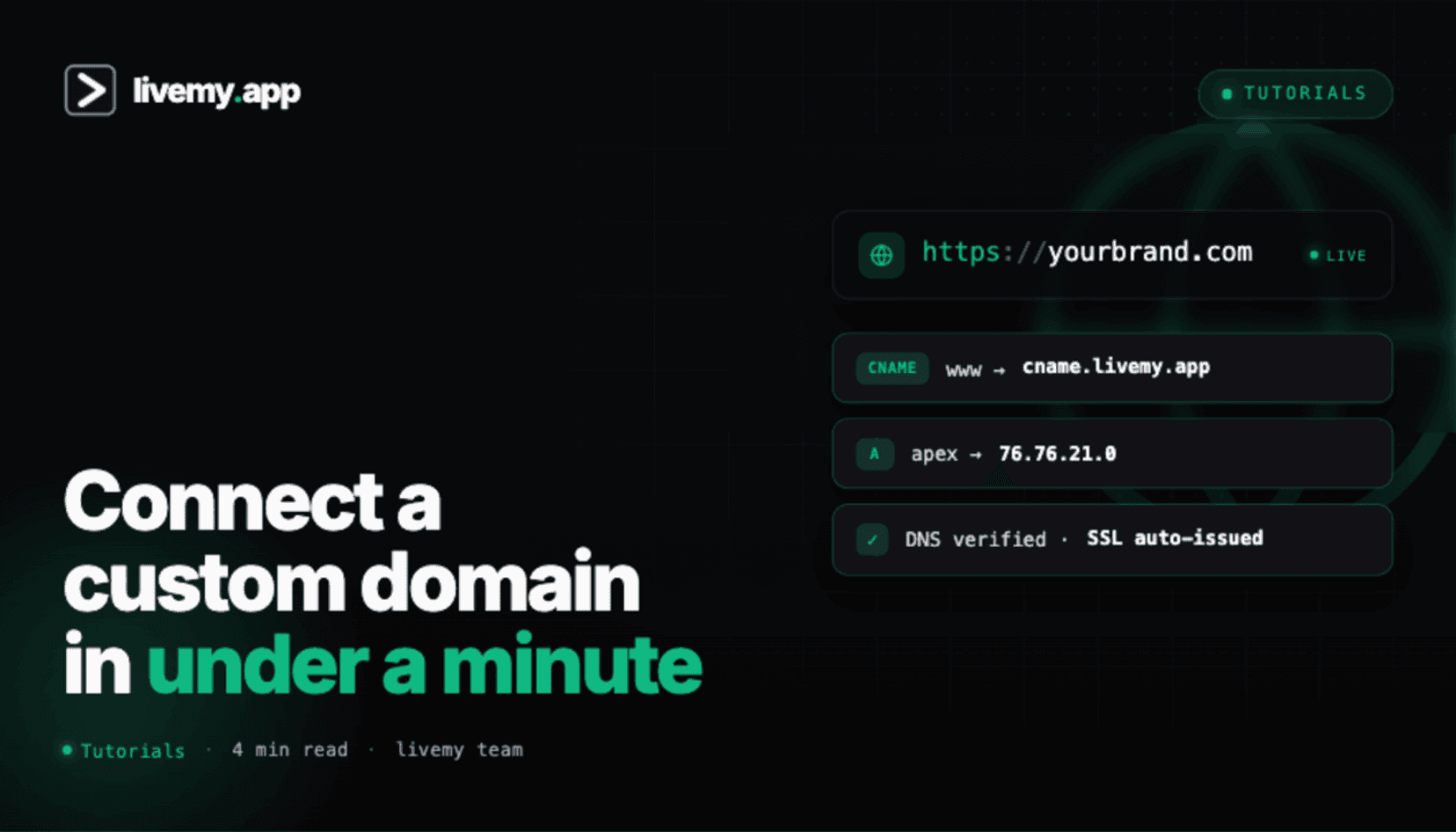
How these tutorials are different
Most deployment tutorials online were written for engineers, by engineers. They assume you’ve already SSH’d into a server, already have a Dockerfile, already understand the difference between a forward and reverse proxy. They tell you what to do, not what to click. They explain concepts, not consequences.
These tutorials are written backwards from that. Every tutorial in this category answers exactly three questions:
What do you click? Every step shows the screen you’ll see and the button you’ll press. No “configure your environment variables” hand-waving.
What goes wrong? The “What if it fails?” section at the bottom of every tutorial covers the 4–6 most common failure modes, with exact error messages and exact fixes.
What does success look like? A screenshot of the final live URL, the typical deploy time, and what to do next.
Every tutorial is tested end-to-end on a fresh livemy.app account before publication. Every tutorial is refreshed every 90 days. Every tutorial includes a free-tier path – you don’t need to upgrade to ship.
Use this section if you have specific code (a Dockerfile, a GitHub repo, a Python script) and want to know “how do I take this exact thing live?” Use the AI Builders section instead if your code was generated by Cursor, Lovable, Claude Code, or another AI tool.
Frequently asked questions
Everything you need to know about deploying apps with livemy.app.
Yes. Every tutorial includes a free-tier path. The free tier is enough to ship a small app to a live URL with SSL and a custom subdomain.
Yes. livemy.app auto-detects most stacks (Node.js, Python, Next.js, React, Vue, Django, FastAPI, Express) and generates a Dockerfile for you. The tutorials show both the auto-detect path and the “bring your own Dockerfile” path.
Most tutorials take 5–15 minutes from “open the article” to “live URL”. Self-hosted app tutorials (n8n, Ghost, Plausible) take a bit longer because of one-time database setup.
livemy.app updates the dashboard regularly. Every tutorial is timestamped and refreshed every 90 days. If you see a mismatch, email hello@livemy.app – we’ll prioritize that tutorial for the next refresh cycle.
Almost certainly yes. livemy.app supports any app that runs in a Docker container or on Linux. If the framework runs locally, it runs on livemy.app. The “Deploy any Docker container” tutorial works as a universal fallback.
Build something.
We'll make it live.
Free to start. One click to deploy. One click to cancel.
No credit card · No commitment · Free tier forever