How to deploy a Windsurf app to production in 2026 (now Devin Desktop)
Windsurf — rebranded as Devin Desktop by Cognition in June 2026 — is an agentic IDE: fork of VS Code, Cascade refactoring agent, $20/month Pro. It builds the app brilliantly. The deploy step is on you. Three ways to ship a Windsurf-built app to a real URL.
Dmytro Chervonyi
Co-founder & CMO, livemy.app
Last updated
TABLE OF CONTENTS
item
AI Summary
Windsurf — formerly Codeium, and since 2 June 2026 rebranded by Cognition as Devin Desktop, with windsurf.com now redirecting to devin.ai — is the agentic AI IDE that launched in November 2024: a fork of VS Code with the Cascade multi-file refactoring agent and Pro pricing at $20/month, on par with Cursor Pro. The rebrand changed the name and the domain, not the editor or your projects. What it doesn't do: host your app. The build is great; deploying to a real URL is the next problem. The standard workflow is build in Windsurf → commit to GitHub → deploy from GitHub on a host of your choice. This guide walks the three deploy paths (Vercel for Next.js, Cloudflare Pages for static, livemy.app for everything else at $10/month flat), the impact of quota-based pricing on iteration loops, and the five gotchas that quietly break Windsurf-built apps in production — missing env vars, hardcoded localhost URLs, dependencies Cascade added but didn't install, SPA fallback routing, and running out of daily quota mid-debug.
What Windsurf is and what it doesn't do
Windsurf — formerly Codeium — is an AI-native IDE that launched in November 2024 as "the first agentic IDE." Fork of VS Code with deep AI integration. The standout feature is Cascade, a multi-file refactoring agent.
Name change, June 2026. Cognition — the team behind the Devin agent — rebranded the editor as Devin Desktop on 2 June 2026, and windsurf.com now redirects to devin.ai. The editor, your installation and your projects are unaffected; what changed is the branding and where the pricing page lives. Most articles you'll find about "Windsurf pricing" predate that — we keep dated official figures in our Windsurf pricing breakdown.
Pricing in 2026: Pro at $20/month — the same entry price as Cursor Pro. Quotas refresh on a daily and weekly basis rather than draining a monthly credit pool, so heavy iteration days hit a daily wall instead of eating the month's budget.
What it doesn't do: host your app. Like Cursor, it's an editor, not a platform. The build happens here; the deploy happens somewhere else.
The Windsurf-to-production workflow
Same shape as Cursor, with one twist: the Cascade agent often makes larger multi-file changes than a single-edit approach, so commits land bigger. Worth committing more frequently to keep diffs reviewable.
Build the app. Iterate with Cascade until
npm run devlooks right.Commit to GitHub. Same Source Control panel as VS Code — Cmd+Shift+G.
Connect a host to the GitHub repo.
Configure environment variables on the host. The step that breaks most deploys.
Point a domain at it.
Three ways to deploy a Windsurf app
Path A: Vercel (if you built a Next.js app)
Vercel is the fastest first deploy for Next.js. Connect the GitHub repo, click Deploy, get a your-app.vercel.app URL in 60 seconds.
The catches. Hobby is free but restricted to personal, non-commercial use. Pro is $20 per developer seat per month plus usage billing on bandwidth, function invocations and more — see our Vercel pricing breakdown for every rate.
Path B: Cloudflare Pages (static sites and lightweight Next.js)
Free, unlimited bandwidth, custom domain free, no commercial restriction. Cloudflare detects the framework and deploys. Next.js works via the OpenNext adapter — fine for most apps, edge cases with Server Actions.
Path C: livemy.app one-click deploy
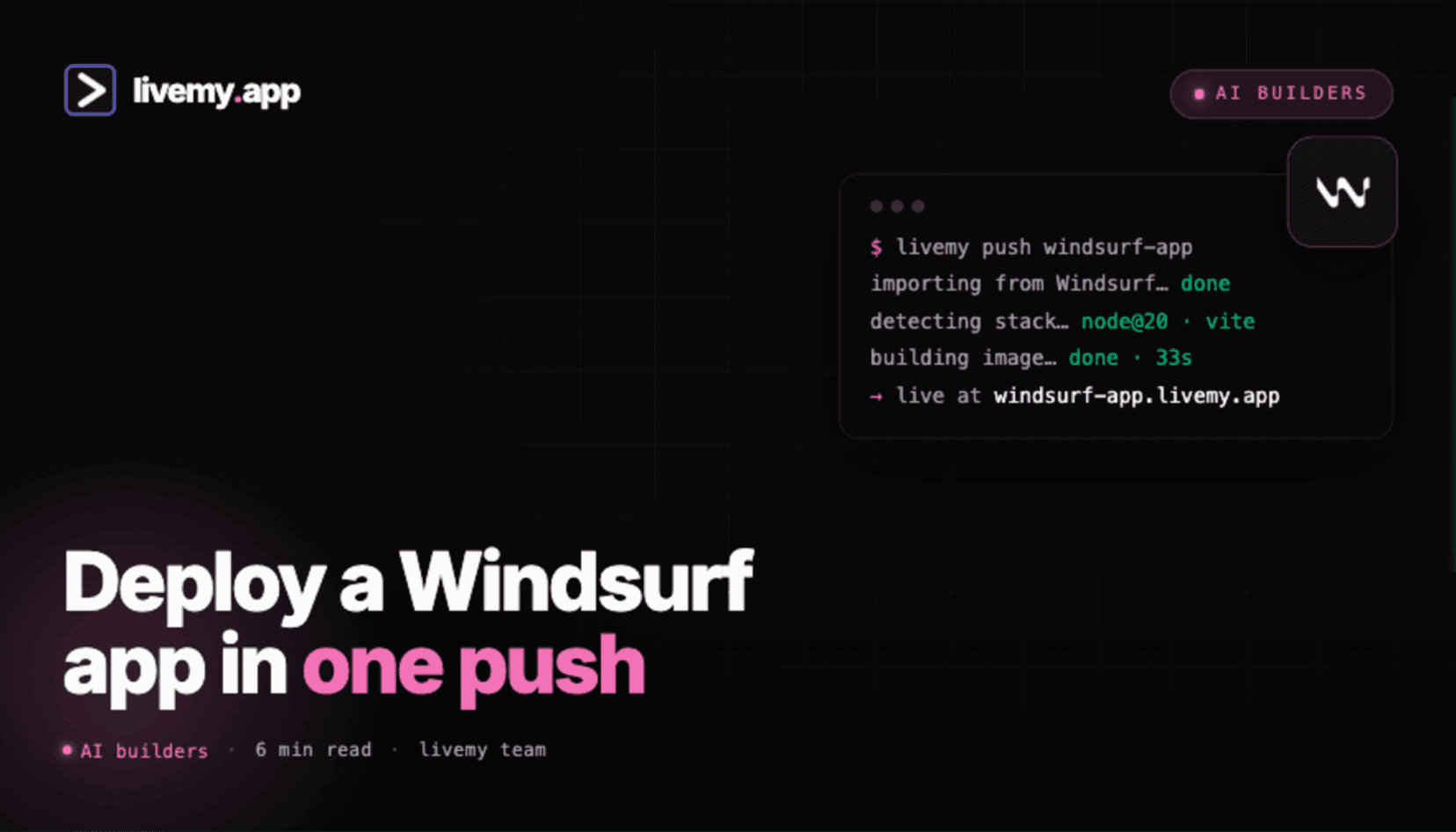
Connect your GitHub repo. livemy.app auto-detects the framework (Vite, Next.js, Astro, plain HTML, Node, Python), configures the build, deploys. Custom domain, free SSL and monitoring included.
The good. Three-minute deploy. $10/month flat on Maker. No per-seat fees. No compute metering.
From editor to a live URL on livemy.app (about 3 minutes)
Step 1: Commit your project to GitHub
Open the Source Control panel (Cmd+Shift+G). If the repo isn't initialized, click Initialize Repository then Publish to GitHub. The editor handles GitHub auth and creates the repo. For ongoing edits, commit and sync from the same panel.
Cascade-specific tip: if Cascade just made a 20-file refactor, commit it as a single "feat: large refactor" commit before going further. Easier to roll back if something broke than to git-bisect through a tangled history.
Step 2: Sign up at livemy.app
Go to livemy.app, click Start free. Pick Maker ($10/month) for production hosting.
Step 3: Connect your GitHub repo
In the dashboard: New project → Connect repo. Authorize the livemy.app GitHub app, pick the repo you just pushed. livemy.app reads package.json and auto-detects the framework.
Step 4: Add environment variables
Open your local .env, copy every variable name and value, paste each into livemy.app's Project Settings → Environment Variables. VITE_-prefixed or NEXT_PUBLIC_-prefixed vars go to the browser; everything else stays server-side.
Step 5: Deploy
Click Deploy. Typical build time: 2 to 4 minutes. Build log streams live.
Step 6: Point your domain
Add custom domain in project settings, update one DNS record. SSL fires automatically. Done.
Five things that quietly break these apps in production
1. Cascade introduces a dependency Cascade itself can't install
When Cascade refactors and adds a new library import ("now using lodash"), it should run npm install lodash automatically. Occasionally it doesn't, especially in the middle of a long refactor. Build fails on the host with "module not found".
Fix. After any large Cascade refactor, run npm install and npm run build locally before pushing. Catches the missing-dependency issue before deploy.
2. Environment variables in .env didn't go to GitHub
Same trap as every other AI IDE. .env is gitignored by default. The host sees no API keys at runtime; the build runs but the app crashes at first request.
Fix. Manually copy every variable from your local .env to the host's environment variables panel before first deploy.
3. AI-generated localhost URLs in fetch calls
Cascade and Cursor both occasionally generate fetch("http://localhost:3000/api/...") for testing. Deploy that, and the app tries to fetch from localhost — which is the host's own server, not yours.
Fix. Grep for localhost across the codebase before deploying. Replace hardcoded URLs with relative paths (/api/...) or environment-variable-driven base URLs.
4. SPA fallback not configured
Vite + React projects need a fallback rule: any URL that doesn't match a file serves index.html and lets React handle routing. The dev server does this automatically; most hosts need configuration.
Fix. On Vercel and Netlify, add a _redirects file with /* /index.html 200. On livemy.app, SPA mode is auto-detected for Vite. On Cloudflare Pages, the build adapter handles it.
5. The quota wall caught you mid-iteration
Quotas refresh daily and weekly. If you blew through today's on a refactor, you can't get Cascade to fix the deploy error you just discovered. Practical consequence: emergency deploys at the wrong time can leave you blocked until tomorrow.
Fix. Keep some quota in reserve for production debugging. Higher tiers raise the ceiling significantly — the current plan lineup has the numbers.
Cost: editor + Vercel vs editor + livemy.app
Real numbers for a solo developer shipping one production app.
Pro + Vercel Pro: $20 + $20 + likely $5–20 in Vercel usage = $45–60/month
Pro + Cloudflare Pages: $20 + $0–5 = $20–25/month (if your app fits the static + Functions model)
Pro + livemy.app Maker: $20 + $10 = $30/month flat with custom domain, SSL, monitoring, no compute metering
On the editor side the price is the same $20/month as Cursor Pro — so the savings come from the hosting side, where a flat host skips Vercel Pro's per-seat and usage metering.
FAQ
Is Windsurf still called Windsurf?
Not officially. Cognition rebranded the editor as Devin Desktop on 2 June 2026 and windsurf.com redirects to devin.ai. Most people still call it Windsurf, and your installation and projects work exactly as before — but the pricing and docs now live under the new name.
Does Windsurf host my app?
No. It's an IDE, not a platform. It writes code locally, runs npm run dev in a terminal, and integrates with GitHub for version control. Deploying to a live URL is a separate step on a host of your choice.
How is it different from Cursor for deployment?
Functionally identical. Both are VS Code forks with Git integration. The deploy workflow — commit to GitHub, connect a host, set env vars, deploy — is the same in both, and both Pro plans cost $20/month. The differences are in the editor experience and quota model, not in how the resulting code ships.
Why does my app work locally but break when deployed?
Five common reasons: environment variables not copied to the host, hardcoded localhost URLs in AI-generated code, missing dependencies introduced by Cascade, SPA routing not configured on the host, and API routes needing a server-side runtime. The five-gotchas section above covers each fix.
Can a non-developer use it?
Yes, with the same caveat as Cursor: you'll see the file tree and code, and you'll occasionally need to understand what Cascade just did. If you'd rather skip the IDE entirely, look at Lovable, Bolt.new hosting, or v0. This is the better long-term tool if you're learning to code as you ship.
What's the cheapest way to host an app built here?
For static sites: Cloudflare Pages, free with unlimited bandwidth. For full-stack apps: livemy.app Maker at $10/month flat. For personal Next.js projects: Vercel Hobby is free if you accept the non-commercial clause.
Ship your app — 3 minutes from git push to live URL
If your app is on GitHub and you've copied your .env values, you're three minutes away from a live URL.
→ Start free on livemy.app · Auto-detect for Vite, Next.js, Astro, Node, Python — the stacks Cascade typically generates. Custom domain, SSL, monitoring all on Maker at $10/month flat.
Hit one of the five gotchas or stuck on a Cascade-introduced bug at deploy time? Email hello@livemy.app. Replies inside one business day.
Read next

Dmytro Chervonyi
,
Co-founder & CMO, livemy.app
Co-founder & CMO at livemy.app. 12 years as a CMO scaling SaaS from $0 to $10M+ ARR across marketing, sales, and infra products and tools. Now building the missing step between AI-built code and a live URL — for non-developers who’d rather ship than learn DevOps.


