Deploy guides
for AI builders.
Cursor, Lovable, Claude Code, Bolt.new, v0, Replit, Windsurf – every deploy guide for AI-built apps, written for non-developers.
The deploys worth reading







All Articles

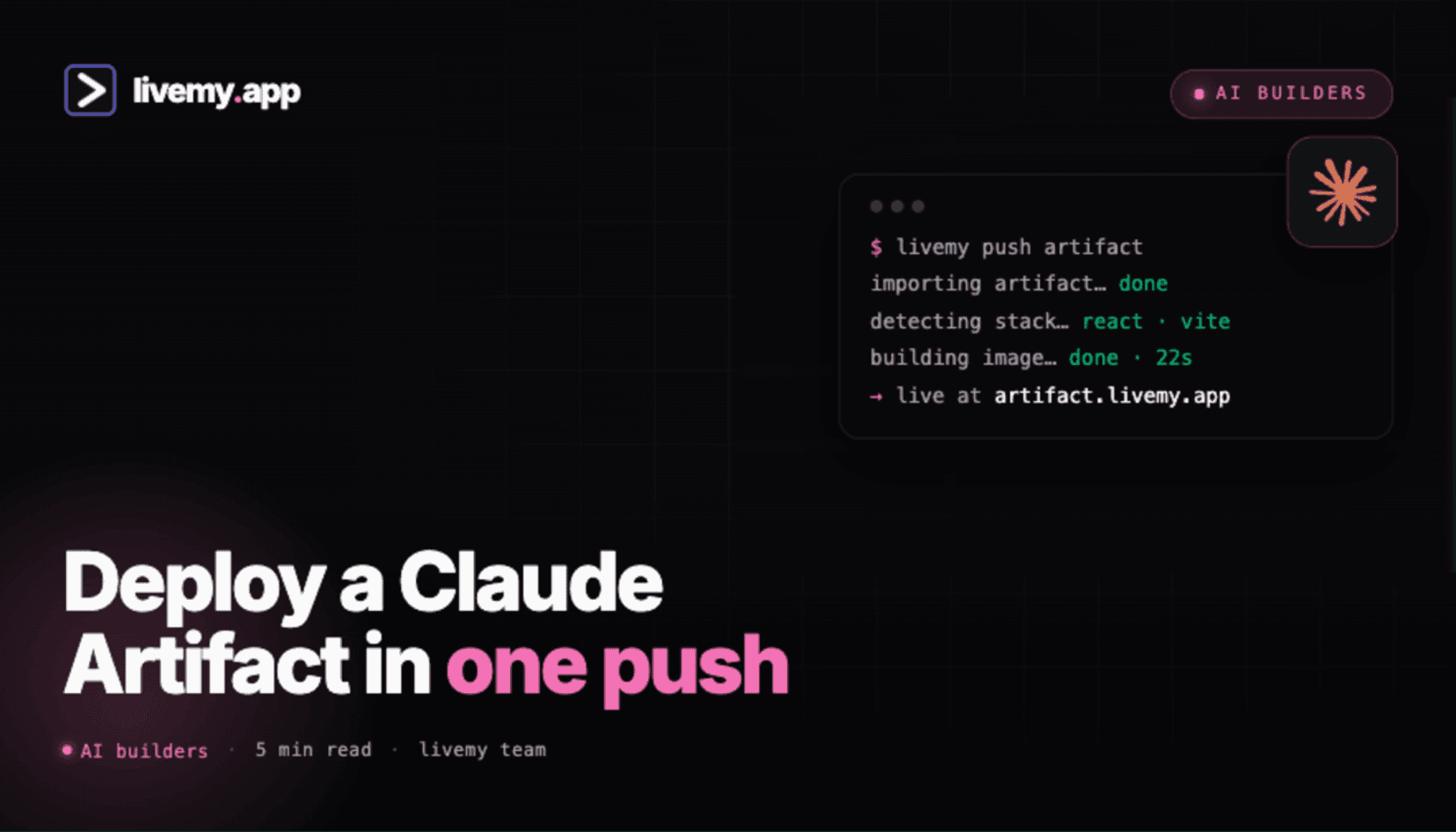
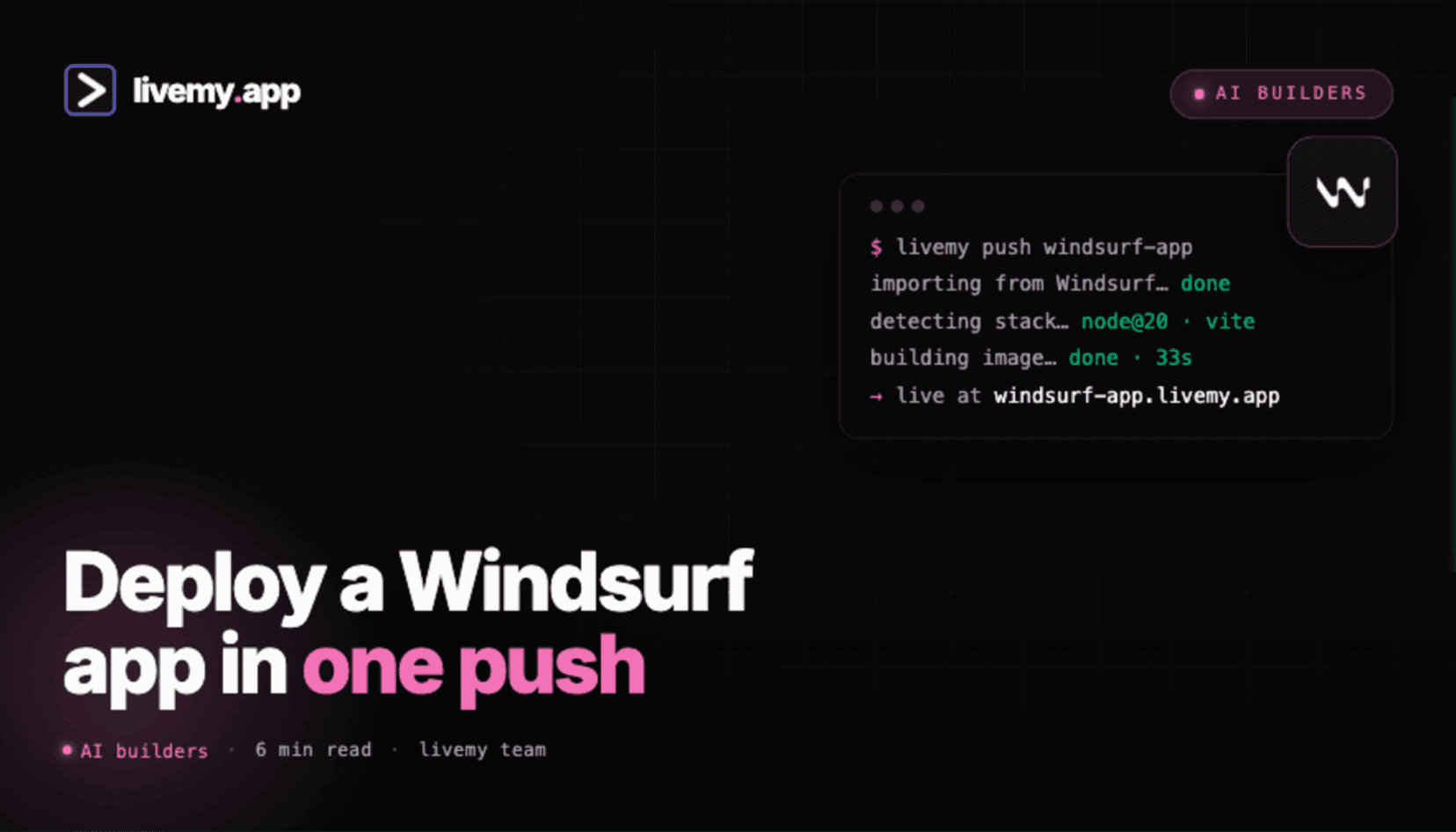
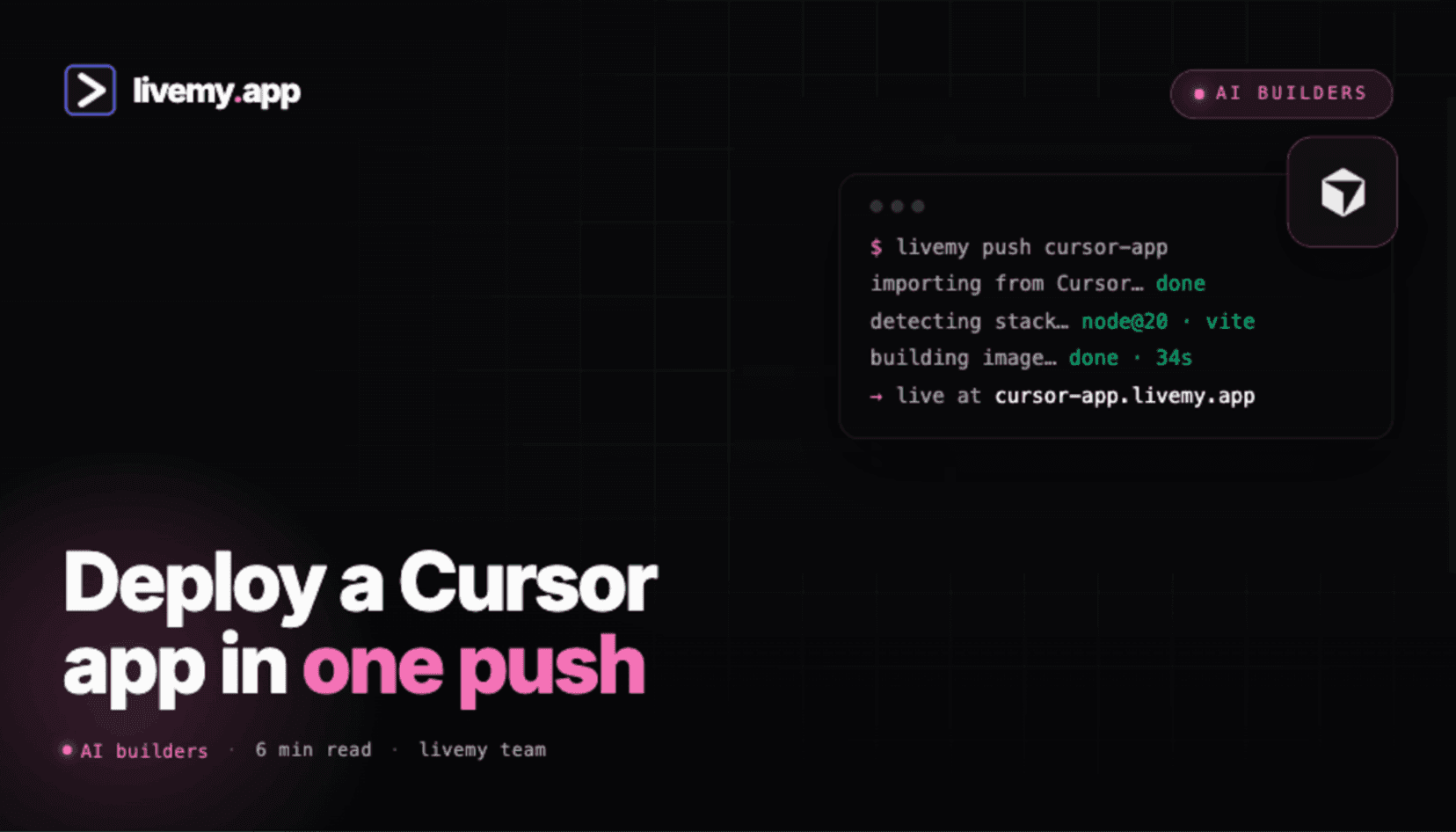
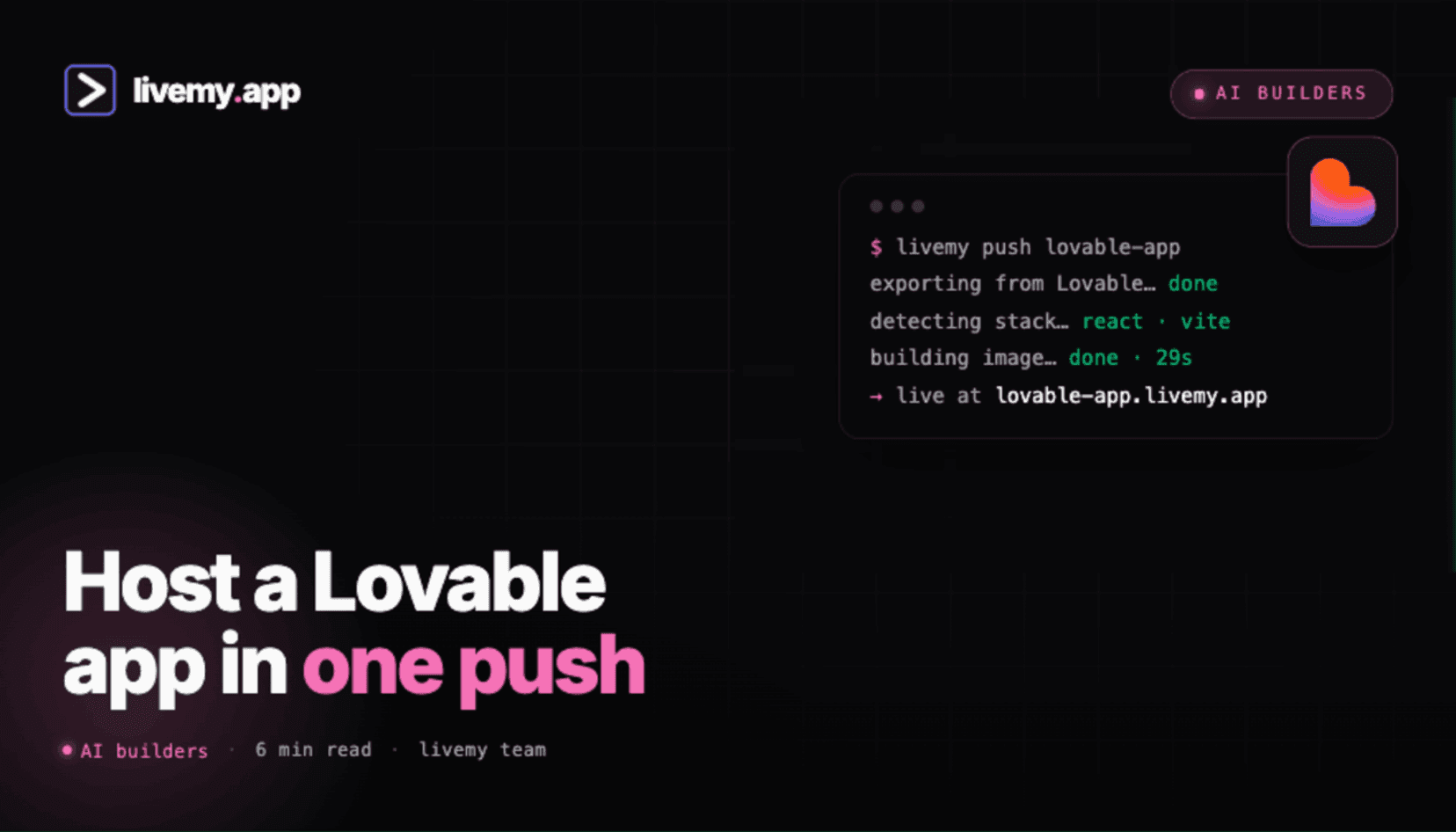
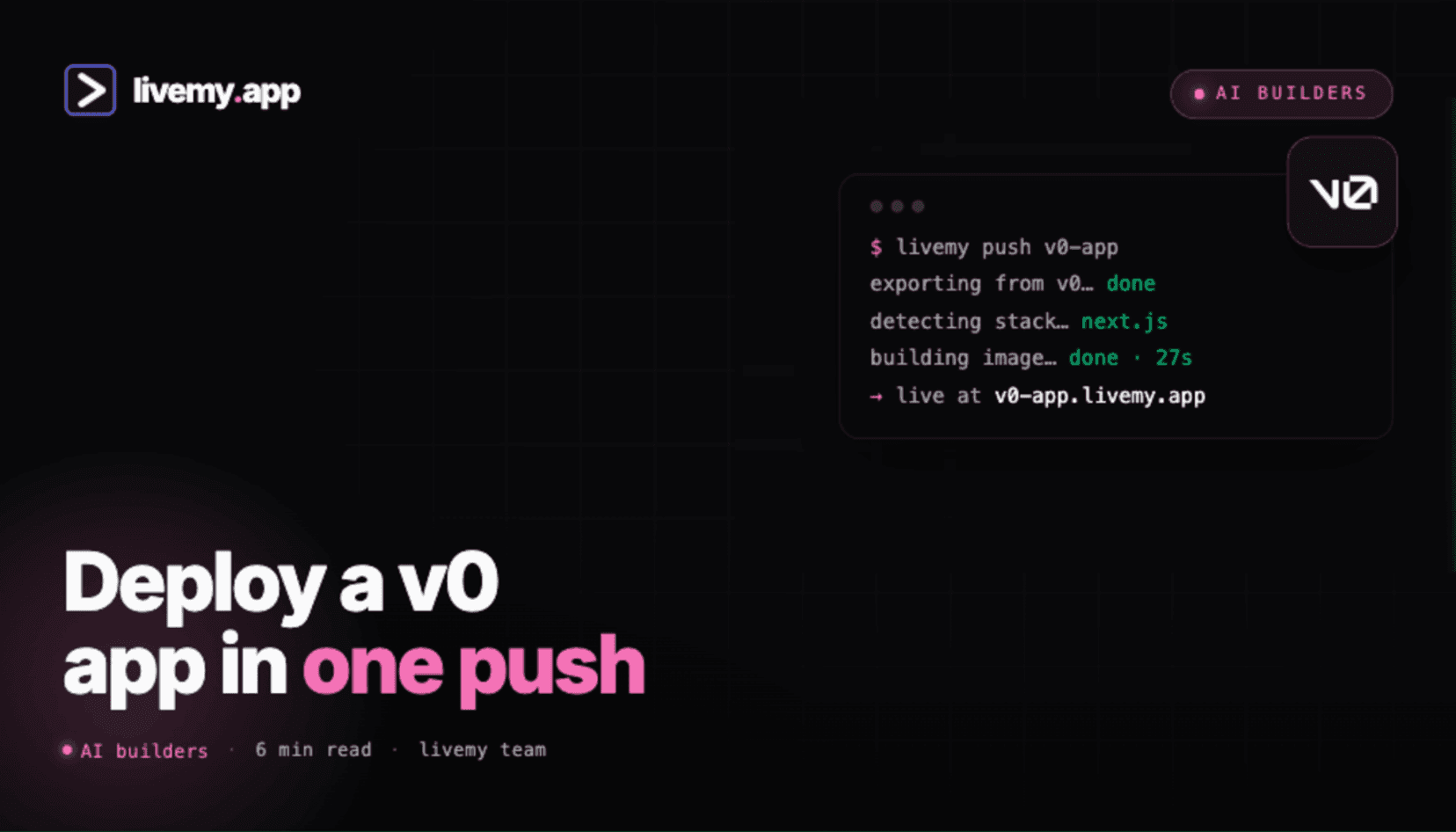
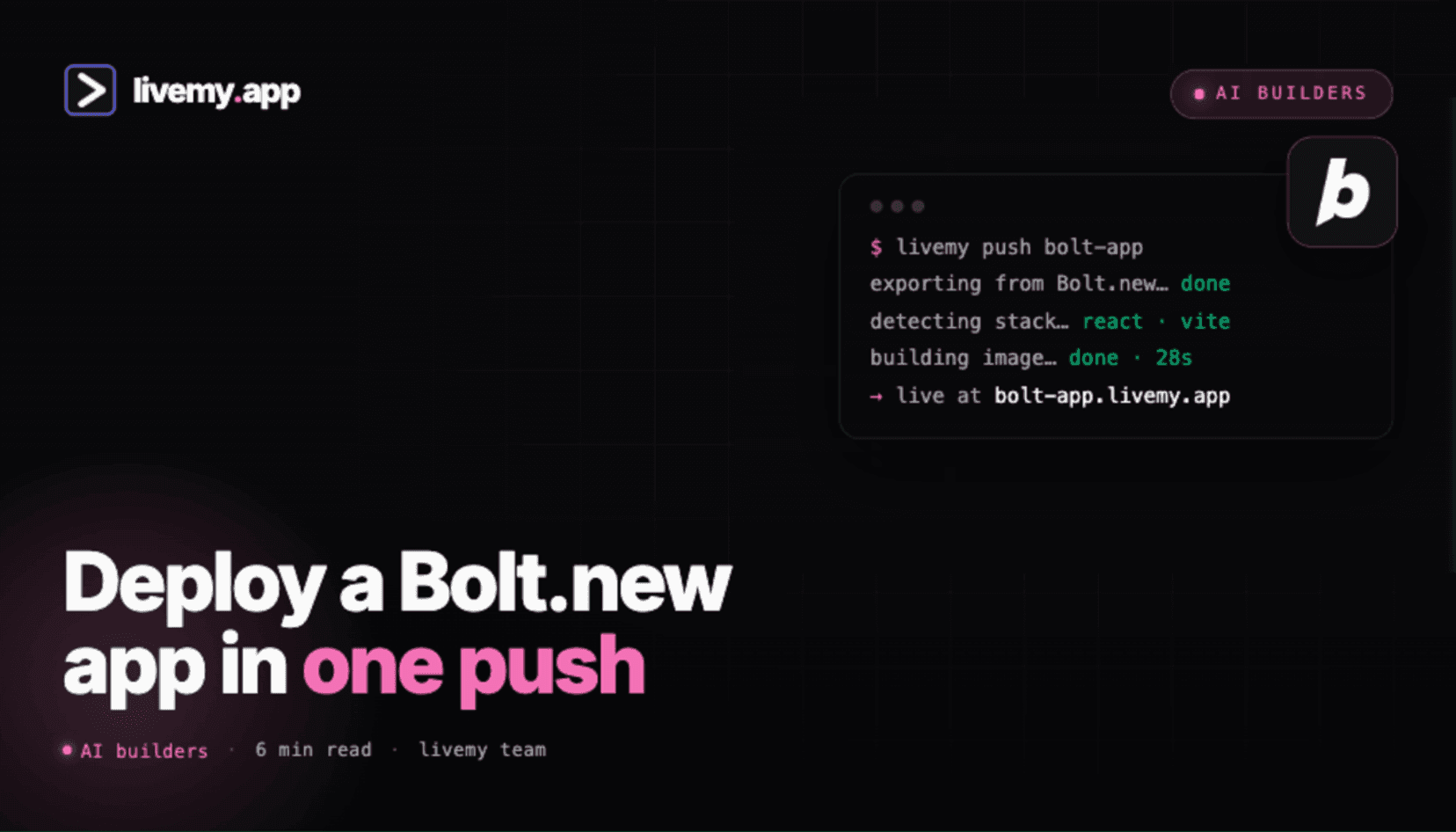
Why a category just for AI builders
Most deployment platforms write their docs for software engineers. The instructions assume you know Docker, environment variables, SSH keys, and reverse proxies – and that you’ll happily spend two hours on a YAML file. That works for engineers. It doesn’t work for the people actually using AI tools to ship apps today.
Cursor, Lovable, Claude Code, Bolt.new, v0, Replit, and Windsurf changed who’s building software. Designers, PMs, marketers, and solo founders are now shipping production apps without a CS background. The bottleneck moved from “how do I build it” to “how do I get it live.” That’s the gap this category fills.
Every guide here is built around a single AI builder. Each guide answers the same five questions:
What kind of apps does this builder produce, and what makes deployment tricky?
Where does the code actually live (Lovable’s hosted repo? Cursor’s local? GitHub?), and how do you get it out?
What does livemy.app auto-detect, and what (if anything) do you have to configure?
How long does the first deploy take, and what does the URL look like?
How do you connect a custom domain, environment variables, and a database?
Pricing, free-tier limits, and “what about [framework X]” are answered at the end of every guide.
Pick your AI builder below to jump straight to the relevant guide. New AI builders launch monthly – we add a category guide within two weeks of any AI builder hitting 10,000 active users.
Frequently asked questions
Everything you need to know about deploying apps with livemy.app.
Cursor, Lovable, Claude Code, Bolt.new, v0, Replit, Windsurf, and any GitHub repo. If the AI builder can push code to GitHub or generate a Dockerfile, livemy.app can deploy it. Email hello@livemy.app if you’d like support for a builder we haven’t listed.
No. livemy.app auto-detects the tech stack (React, Next.js, Python, Node.js, Vite, etc.) and handles containerization, SSL, networking, and deployment. Connect your code source and click Deploy.
About two minutes on average for a small app. Larger apps with build steps can take three to five minutes. After the first deploy, subsequent deploys typically finish in under one minute.
Yes – livemy.app has a free tier. No credit card required to start. You can keep small apps live indefinitely on the free tier.
That’s the most common case. Every guide in this category shows the exact buttons to click and the exact files to commit. You don’t need to read the generated code to deploy it.
Build something.
We'll make it live.
Free to start. One click to deploy. One click to cancel.
No credit card · No commitment · Free tier forever