How to host a Replit app outside Replit in 2026
Replit's deployment credits stack up fast and the free tier sleeps after five minutes. Three paths to ship a Replit app on a predictable host — ZIP, GitHub, or one-click on livemy.app — with your own custom domain at a flat $10/month.
Dmytro Chervonyi
Co-founder & CMO, livemy.app
Last updated
TABLE OF CONTENTS
item
AI Summary
Replit is great for building. The hosting bill is where things get awkward — the free tier sleeps after 5 minutes of inactivity, always-on needs the $25/month Core plan, and deployments use credits on top of that. After the 2025 pricing changes, a number of small apps that used to cost $5–10/month started running $30–60/month. This guide walks the three paths off Replit hosting: keep building in Replit but use a cheaper external host (Reserved VM is more predictable than Autoscale, but you can do better), export the ZIP and host wherever, or push to GitHub and connect any platform. Plus the 3-minute flow from a Replit project to a live livemy.app URL on the Maker plan at $10/month flat, with custom domain, the app up around the clock, and no credit metering. livemy.app's Free plan is for testing the deploy — one project on a livemy.site URL, live for 3 days after you create it and then offline, with code, data and URL kept for 30 days.
Why people leave Replit hosting
Replit is a great place to build. The hosting bill is where it gets awkward.
Three things tend to push Replit users toward an alternative host.
The free tier sleeps. Free Replit apps go to sleep after 5 minutes of inactivity. That's fine for a script you're tinkering with. It's not fine for a side project anyone is supposed to actually visit — the first visitor of the day waits 10+ seconds for the container to wake up, assumes the site is broken, and leaves.
Always-on costs $25/month. To keep an app running 24/7, you need Replit Core at $25/month ($20 billed annually). And Core itself doesn't include unlimited deployments — you get $25 in monthly credits, then you pay per minute of compute. For most non-developer apps, that adds another $10–30 on top. The plan-by-plan detail, including what Autoscale and Reserved VM each cost, is in our Replit pricing breakdown.
The pricing math gets weird. After Replit's 2025 pricing changes, threads on Reddit started flagging per-minute costs going up by hundreds of percent. Small apps that used to cost $5–10/month started showing up at $30–60. Autoscale deployments are the biggest culprit — the model is great when traffic is low, brutal when it spikes.
If any of that sounds familiar, this is the guide. Three paths off Replit hosting (keeping your code, keeping your domain), the five Replit-specific things that quietly break when you move the app, and a 3-minute walk-through to livemy.app at $10/month flat. If you're questioning the builder itself rather than just the host, we lined up the Replit alternatives separately.
The three paths off Replit hosting
Same shape as Bolt, v0, Lovable deployment — three workflows, different trade-offs.
Path A: Stay on Replit, switch to Reserved VM (most predictable Replit option)
If you want to stay inside Replit, the most predictable hosting choice is the Reserved VM deployment instead of Autoscale. Reserved VM is a flat monthly cost based on the size of the VM you pick; it doesn't surprise you when traffic spikes.
The math. Core ($25/month) plus a small Reserved VM ($10–20/month depending on size) puts you at $35–45/month for one always-on app. More predictable than Autoscale, still a stack of two bills.
When this works. You want to keep iterating in the Replit editor every day, you're already paying Core, and Reserved VM's flat fee is acceptable to you.
Path B: Download the ZIP, host wherever
In Replit, open the project, click the three-dot menu in the file tree, choose Download as zip. You get a full project bundle including all files, lock file, and any data you have in the repl.
From there you can deploy on:
Render, Railway, Fly.io — strong options for Node, Python, and Go backends
Netlify or Cloudflare Pages for static / JAMstack apps
Vercel for Next.js apps
livemy.app — one-click deploy with custom domain, free SSL, monitoring included; automated backups are a $5/month add-on. Built for non-developers
Why this matters. Your code is yours, your bill is flat instead of usage-metered, and you can keep your domain. Trade-off: you lose the Replit live editor. Most people keep Replit for editing and use the new host only for production.
Path C: Push to GitHub, deploy from there
Replit has a built-in Version Control panel. Click the branch icon on the left, connect your GitHub account, click Publish to GitHub, name the repo, click Publish. Your project lives in a Git repo with proper history. Every future change gets a Commit & Push button in the same panel.
Once on GitHub, you connect the repo to any hosting platform — most let you authorize the GitHub app and pick a repo in three clicks. Same destinations as Path B.
When this works. You'll keep iterating in Replit but want the option to leave Replit hosting without a migration project, and you like having proper Git history.
From Replit to a live URL on livemy.app (about 3 minutes)
If you've decided to move off Replit hosting, here's the full flow to livemy.app.
Step 1: Get your code out of Replit
Two options. The faster one: open the repl, three-dot menu in the file tree, Download as zip, save the file. The cleaner long-term one: Version Control tab → Publish to GitHub, create a new repo, push.
Step 2: Sign up at livemy.app
Go to livemy.app, click Start free. No credit card. You land in my.livemy.app — the dashboard.
For testing the deploy, Free is enough: 1 project on a livemy.site subdomain, live for 3 days after you create it and then offline, with your code, data and URL kept for 30 days. For production hosting with real visitors — your own custom domain, a 99.5% uptime SLA, and an app that stays up around the clock, the setup you left Replit to get — pick Maker ($10/month) before going live.
Step 3: Upload the ZIP (or connect the GitHub repo)
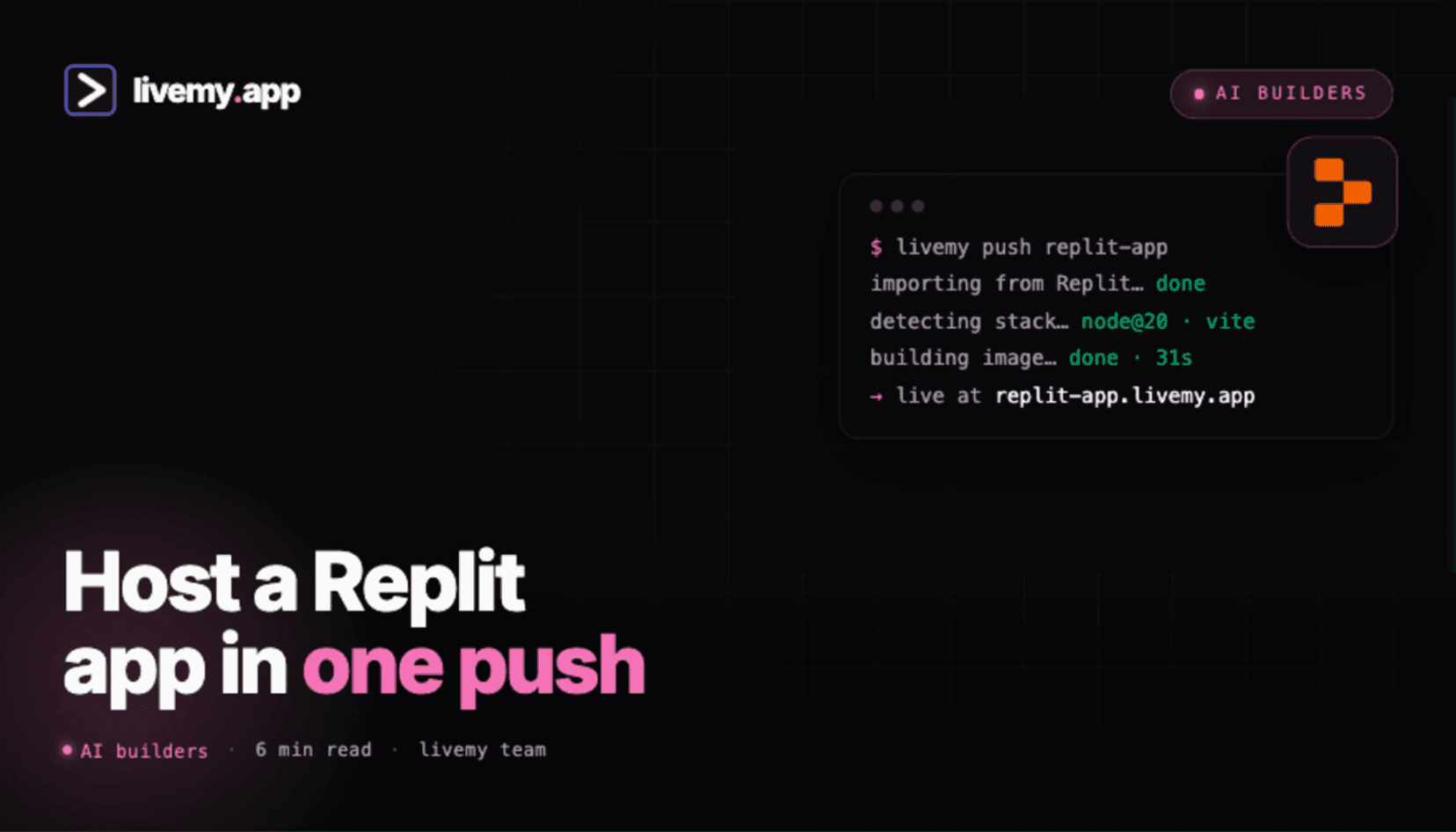
In the dashboard, click New project → Upload archive and drop the Replit ZIP. livemy.app auto-detects Node, Python, Go, Ruby, plain HTML, Next.js, Vite — most stacks Replit supports — and configures the build. If you went GitHub, click Connect repo and pick a public GitHub repo — or stick with the .zip upload.
Step 4: Re-add Replit Secrets as environment variables
Open Replit, click the lock icon (Secrets), copy every secret name and value. In livemy.app: Project Settings → Environment Variables, paste each one. This is the step that breaks most Replit migrations — if any secret is missing, the build runs but the app crashes on first request.
Step 5: Deploy and check the live URL
livemy.app runs the build, provisions a container, gives you a your-app.livemy.site URL. Typical time: 2 to 5 minutes. The build log streams live in the dashboard.
Step 6: Point your own domain at it
On Maker, click Add custom domain, paste your domain, update one DNS record at your registrar. Cloudflare, Namecheap, GoDaddy — all support this in their DNS settings. Within 1–10 minutes the DNS propagates, free SSL certificate fires automatically, your domain serves HTTPS.
That's the flow. Your Replit app is now on livemy.app at $10/month flat, up around the clock, custom domain working, no credit metering, no Autoscale surprises.
Five things that quietly break Replit apps in production
Replit makes a lot of decisions for you while you're building. Those defaults travel out of Replit in unhelpful ways.
1. Replit-specific dependencies (Replit DB, ReplitAuth)
If you used Replit DB or Replit Auth, those are Replit services that only exist inside Replit. Your code will fail to find them anywhere else.
Fix. Before migration, swap Replit DB for a real database — Supabase, Neon, PlanetScale, all have free tiers. Swap Replit Auth for Clerk, Auth0, or Supabase Auth. This is the only Replit migration step that takes actual coding work; budget 1–2 hours for a small app.
2. Replit Secrets not exported with the ZIP
Replit Secrets (the lock icon) are stored separately from the repl's files. The ZIP export does not include them. Same for the GitHub export.
Fix. Open the Secrets panel in Replit, screenshot or copy each name+value, paste them into your new host's environment variables before the first deploy.
3. Long-running processes assumed to be "always there"
Replit's Reserved VM keeps your process alive in a way that some hosts don't. If your app relies on a background worker, a long-running socket, or a cron loop, you need to make sure your new host supports that.
Fix. For long-running workers, deploy a separate "worker" service alongside your main app. Most modern hosts — including livemy.app — support this. For cron jobs, use a host's built-in scheduler or a service like cron-job.org.
4. Replit's storage paths won't exist on the new host
Replit gives every repl a writable filesystem at runtime. If your code writes user uploads or generated files to ./uploads or similar, those paths exist on Replit and may or may not on the new host.
Fix. For anything you need to persist (user files, logs, generated assets), move it to object storage — S3, R2, Supabase Storage. The free tiers are generous and the code change is small. For truly ephemeral files, the writable filesystem on most container hosts (including livemy.app) works the same way.
5. The Node / Python version locked in replit.nix
Replit uses Nix to pin language versions. Your replit.nix file specifies which Node, Python, or Go version the repl uses. That file is meaningless outside Replit, and the new host will pick a default version that may not match.
Fix. Specify the version explicitly in package.json (Node), runtime.txt (Python), or your build settings. livemy.app reads package.json "engines" field automatically; on most hosts there's a similar convention.
Cost: Replit vs livemy.app for one production app
Here's the honest bill comparison for an always-on, single-app, modestly-trafficked setup with a custom domain.
Replit Core is $25/month ($20 if you commit annually) and includes $25 in usage credits. Always-on plus a small Reserved VM deployment typically eats $10–20 of additional credits per month for one app. Total: $35–45/month for a basic always-on app. Autoscale-based deployments can spike higher under traffic.
livemy.app Maker is $10/month flat. Custom domain included. The app stays up around the clock. No credit metering. Optional $5/month backups add-on for apps with persistent data. Total: $10–15/month, predictable.
Where Replit still makes sense:
You're still iterating with deploy a Replit Agent app every day and value the editor + AI loop. Keep Core for that.
You need real-time collaboration in the editor with someone else. Replit's multiplayer editing is genuinely good.
You're running a class, workshop, or learning environment where every user gets their own sandbox.
For everything else, the math is clearer once you separate "the editor I build in" from "the host my users hit."
Troubleshooting: what to check first when the Replit migration breaks
Four failure modes account for most "my Replit app doesn't work on the new host" tickets.
App crashes on first request with "undefined is not a function". Almost always a missing Replit Secret. Open the Secrets panel in Replit, compare to environment variables on the new host, fill in what's missing.
Build fails on Node/Python version mismatch. The replit.nix file pinned a version your new host doesn't pick by default. Pin it explicitly in package.json engines, .nvmrc, or runtime.txt.
Database calls timeout or fail. You were using Replit DB. Migrate to a real database (Supabase, Neon, PlanetScale) and update your connection string.
Login broken. You were using ReplitAuth. Swap to Clerk, Auth0, or Supabase Auth. Their getting-started docs run about 30 minutes for a small app.
Got something else? Email hello@livemy.app with the build log. Replies inside one business day.
FAQ
What's the cheapest Replit alternative for hosting?
For a production app with a custom domain: livemy.app Maker at $10/month flat, with no credit metering. Render's free tier and Fly.io's free tier both work for non-commercial projects, but free tier apps sleep — same problem most people leave Replit to escape. Cloudflare Pages is free for static sites with custom domain, but doesn't support backends. The full comparison, including the builders rather than just the hosts, is in Replit alternatives.
Can I export my Replit project completely?
Yes, two ways. ZIP: open the repl, three-dot menu in the file tree, Download as zip. GitHub: Version Control tab on the left, connect GitHub account, click Publish to GitHub. Both methods export your code and lock files. Secrets are stored separately and must be copied manually from the Secrets panel.
Why does my Replit bill keep going up?
Three common reasons: Autoscale deployments billing per request (great at low traffic, expensive at spikes); Replit Agent usage adding credit consumption on top of the base plan; and the 2025 pricing changes that raised per-minute compute costs. Reserved VM deployments are more predictable than Autoscale if you stay on Replit — the numbers for each are in the Replit pricing breakdown. Moving the host off Replit is the more permanent fix.
Do I have to give up the Replit editor when I move hosting?
No. You can keep building in Replit and only move where your app is hosted. Many users sync Replit to GitHub, then deploy from GitHub to a cheaper host. Replit becomes your IDE, the new host serves your users. Two separate jobs.
Will my Replit Secrets work on livemy.app?
Replit Secrets are just environment variables under a different name. Copy each name+value from the Secrets panel into Project Settings → Environment Variables on livemy.app. Same values, same code references, no changes needed inside your app.
What about Replit DB and Replit Auth?
Those are Replit-only services and don't exist on other hosts. Replace Replit DB with Supabase, Neon, or PlanetScale. Replace Replit Auth with Clerk, Auth0, or Supabase Auth. All have free tiers and migration docs. This is the only step that needs real code changes; a small app takes 1–2 hours.
Move off Replit hosting — about as long as a coffee break
If you've already exported your repl as ZIP, you're one upload away from a flat $10/month bill and a live URL on your own domain — up around the clock, custom SSL, no credit metering.
→ Start free on livemy.app · No credit card · Run the whole deploy on the Free plan first, then move to Maker when it's time for production.
Hitting one of the five gotchas, or unsure about Replit DB / ReplitAuth migration? Email hello@livemy.app with the build log and we'll walk it through. Replies inside one business day.
Read next

Dmytro Chervonyi
,
Co-founder & CMO, livemy.app
Co-founder & CMO at livemy.app. 12 years as a CMO scaling SaaS from $0 to $10M+ ARR across marketing, sales, and infra products and tools. Now building the missing step between AI-built code and a live URL — for non-developers who’d rather ship than learn DevOps.


