How to deploy a Replit Agent app to production in 2026
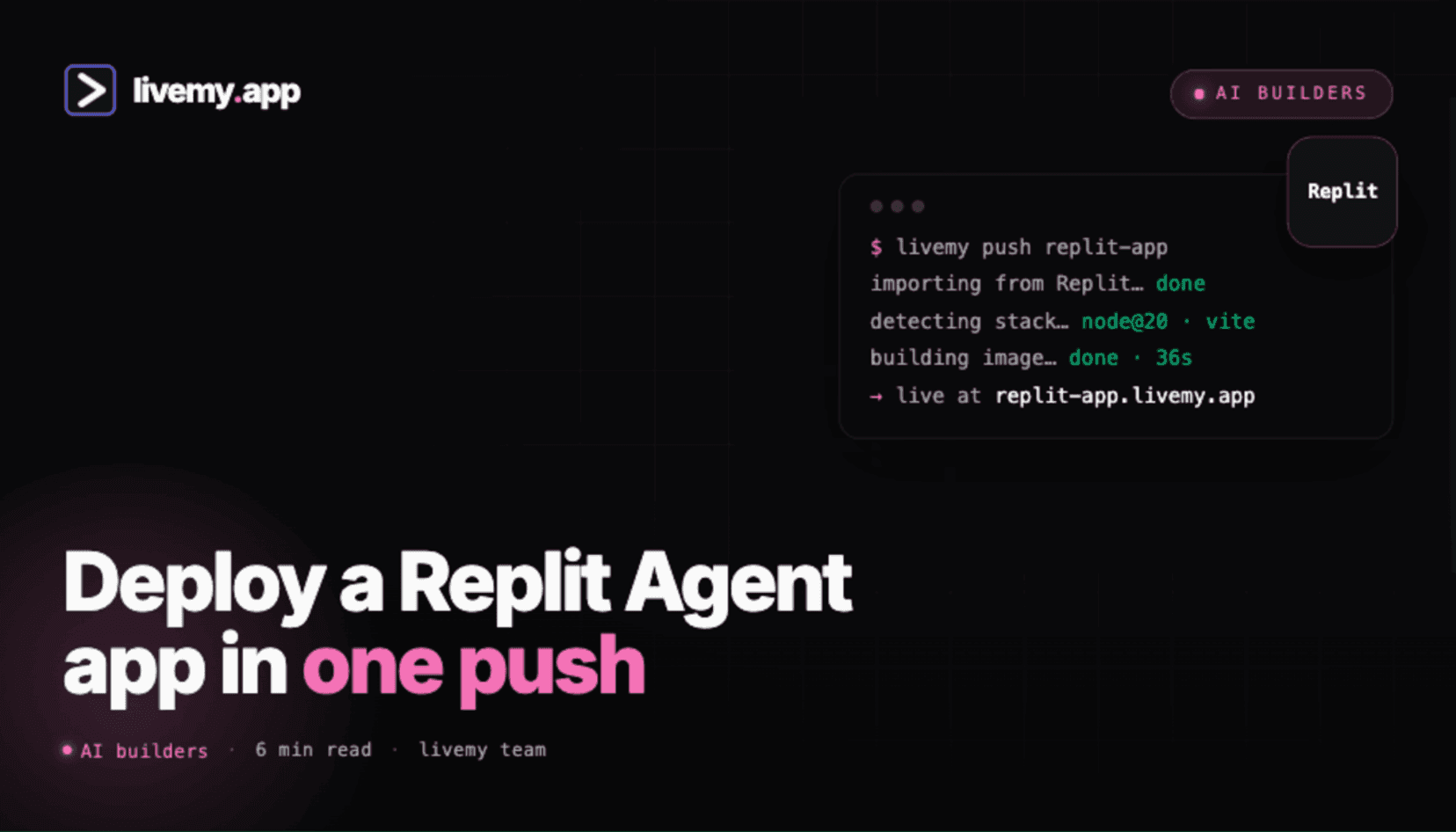
Replit Agent is the AI builder mode inside Replit — generates working full-stack apps from a prompt. The build is great. Replit's hosting bill, less so. Three ways to deploy an Agent-built app to a cheaper, more predictable URL.
Dmytro Chervonyi
Co-founder & CMO, livemy.app
Last updated
TABLE OF CONTENTS
item
AI Summary
Replit Agent is the AI builder mode inside Replit — you describe an app in a chat and Agent scaffolds the code, picks the stack, sets up the database, runs the dev server. It's a clean alternative to Lovable, Bolt, and v0 with a strong free trial. The catch is hosting: once Agent finishes, you're on Replit's deployment pricing — Always-on needs Core ($25/month), and Autoscale deployments meter per minute on top. After Replit's 2025 pricing shift, small Agent-built apps that used to cost $5–10/month started running $30–60/month. This guide walks the three deployment paths off Replit hosting (stay on Reserved VM, export to a managed host, or one-click livemy.app), the five things that quietly break Agent-built apps in production, and the 3-minute flow to livemy.app at $10/month flat.
What Replit Agent is and what comes after the build
Replit Agent is the AI builder mode inside Replit. Describe an app in natural language; Agent generates the code, picks a stack (usually Node + React or Python + Flask), wires up the Replit-provided database, runs the dev server. Output lives in a regular Repl with full file tree access.
In the same lineage as Lovable, Bolt.new, and v0 — with the difference that Replit Agent leans into the IDE side. You see the code as Agent writes it; you can interrupt, edit, and iterate inside the Replit editor.
What Agent doesn't decide for you: where to host the result. By default, the Repl runs on Replit's infrastructure. Always-on hosting needs Replit Core ($25/month) plus credit-metered deployments on top. After the 2025 pricing changes, small Agent-built apps in the Replit subreddit have been showing $30–60/month bills for what used to be $5–10 workloads.
If that math doesn't fit, the rest of this guide is how to move the host without losing the Agent build flow.
Three ways to deploy an Agent-built app
Path A: Stay inside Replit, switch to Reserved VM
If you want to keep iterating in Replit and just stabilize the bill, switch the deployment type from Autoscale to Reserved VM. Reserved VM is a flat monthly cost based on VM size; no per-minute metering when traffic spikes.
The math. Core $25/month plus a small Reserved VM (from about $20/month). Total: about $45/month, predictable.
When this works. Daily AI iteration with Agent, comfortable paying Replit's prices, want zero migration work.
Path B: Export Agent's output to GitHub, deploy on a managed host
Once Agent finishes the build, you have a real codebase — it's not locked into Replit. Push the Repl to GitHub via Replit's Version Control panel (branch icon on the left sidebar), connect the repo to a managed host.
Good options for Agent-built apps:
Render — predictable monthly pricing, strong free tier (with 15-min sleep)
Railway — usage-based, good for bursty apps
Fly.io — cheapest per VM if you're comfortable with the CLI
livemy.app — flat $10/month, auto-detects the Agent's typical stacks, predictable pricing
Path C: livemy.app one-click deploy
Cleanest path for non-developers. Push the Repl to GitHub, connect it to livemy.app. Auto-detection handles Node + React or Python projects without configuration.
The good. Three-minute deploy. $10/month flat with custom domain, SSL, monitoring. Automated backups are available as a $5/month add-on.
From Replit Agent to a live URL on livemy.app (about 3 minutes)
Step 1: Get Agent's output into GitHub
In Replit, open the Repl Agent built. Click the Version Control panel (branch icon, left sidebar), connect your GitHub account if prompted, click Publish to GitHub. Name the repo, click Publish. The whole Repl — frontend, backend, configuration — lands on GitHub as a clean codebase.
Step 2: Sign up at livemy.app
Go to livemy.app, click Start free. The Free plan will run the deploy end to end without a card — one project on a livemy.site URL, live for 3 days after you create it and then offline, with your code, data and URL kept for 30 days. Pick Maker ($10/month) for production hosting: your own custom domain, more projects and deploys, a 99.5% uptime SLA, and the app up around the clock.
Step 3: Connect the GitHub repo
In the dashboard: New project → Connect repo. Authorize the livemy.app GitHub app, pick the repo from Step 1. livemy.app reads package.json (or requirements.txt for Python) and auto-detects the stack.
Step 4: Copy Replit Secrets to environment variables
Open Replit, click the lock icon (Secrets). Copy every key and value. Paste each into livemy.app's Project Settings → Environment Variables. This is the step that breaks most Replit-to-anywhere migrations — Secrets live outside the Repl's files and don't come with the GitHub push.
Step 5: Replace Replit-specific dependencies
If Agent used Replit DB or Replit Auth, those are Replit-only services. Replit DB → swap to Supabase, Neon, or PlanetScale (free tiers). Replit Auth → swap to Clerk, Auth0, or Supabase Auth. Update the connection strings in your code. The full Replit migration guide covers this in detail.
Step 6: Deploy and point your domain
Click Deploy. 2–4 minutes later, live URL on your-app.livemy.site. On Maker, add the custom domain, update DNS, SSL fires automatically. Done.
Five things that quietly break Agent-built apps in production
1. Replit DB / Replit Auth code paths fail outside Replit
Agent often uses Replit's built-in services because they're zero-config inside the Repl. Outside Replit, those services don't exist — every call to require("@replit/database") or Replit Auth fails immediately.
Fix. Identify Replit-only services in the Agent output (search for @replit/ in package.json or requirements.txt). Replace with portable equivalents: Supabase, Neon, Clerk. Plan for 1–2 hours of code changes for a small app.
2. Replit Secrets don't come with the GitHub push
Secrets (API keys, database URLs, auth tokens) live in a separate Replit-managed store, not in the project files. Pushing to GitHub doesn't include them. Build runs but the app crashes on first request to a missing environment variable.
Fix. Copy every Secret from Replit's lock icon panel into your new host's environment variables before first deploy. Triple-check API keys; they're the most commonly forgotten.
3. Long-running processes assumed Replit's always-on behavior
Agent sometimes generates code with background workers, cron loops, or long-lived sockets. Replit's Reserved VM handles these natively. A free-tier host that sleeps on idle silently kills the background process.
Fix. Deploy to a paid tier that stays up — livemy.app Maker, Render Starter, or Railway. No free tier works for this: they either sleep on inactivity or, on livemy.app's Free plan, go offline 3 days after you create it. For cron-specific jobs, use the host's built-in scheduler or a service like cron-job.org.
4. Storage paths Agent wrote to don't persist on the new host
If Agent wrote user uploads or generated files to ./uploads in the Repl, those paths work because Replit gives you a persistent filesystem. Most container hosts have ephemeral filesystems by default — file uploads survive only until the container restarts.
Fix. For persistent data, switch to object storage — S3, R2, or Supabase Storage. Update the code paths. On livemy.app, structured data lives in your project's persistent database; for file uploads, S3-compatible object storage is the move.
5. replit.nix pinned a Node or Python version your new host doesn't pick
Replit pins language versions via replit.nix. That file is meaningless outside Replit. Your new host picks a default version that may not match what Agent built against.
Fix. Pin the version explicitly in package.json (Node, engines field), runtime.txt (Python), or your host's build settings. livemy.app reads package.json engines automatically.
Cost: Replit Agent + Replit hosting vs livemy.app
Real numbers for a small Agent-built app with one custom domain.
Replit Core ($25/month) + Autoscale deployment: $25 plus $10–40 in deployment credits depending on traffic. Total: $35–65/month, unpredictable.
Replit Core + Reserved VM: $25 + about $20. Total: about $45/month, predictable.
livemy.app Maker (post-export): $10–15/month flat. Drop Replit Core when iteration slows, you're down to just the livemy.app bill.
The math gets best once you stop iterating with Agent every day. While you're iterating, keep Replit for the Agent build flow. Once the app is stable, move hosting and drop Replit Core.
FAQ
Can I keep using Replit Agent after I move hosting?
Yes. Replit's GitHub integration is bi-directional — you keep building in Replit with Agent, push commits to GitHub, then redeploy in one click from the livemy.app dashboard — or trigger the redeploy over MCP. Replit becomes your IDE; livemy.app serves the production traffic.
Why is my Replit hosting bill so high?
Three usual reasons: Autoscale deployments billing per minute of compute, Replit Agent credit consumption on top of Core, and the 2025 pricing changes that raised per-minute compute rates. Reserved VM is the more predictable option if you stay on Replit; moving hosting is the more permanent fix.
Will I lose Replit DB and Replit Auth if I move?
Yes — those are Replit-only services. Replace Replit DB with Supabase, Neon, or PlanetScale (free tiers). Replace Replit Auth with Clerk, Auth0, or Supabase Auth. Plan for 1–2 hours of code changes for a small Agent-built app.
How is Replit Agent different from Lovable or Bolt?
Functionally similar — all three generate full-stack apps from prompts. Agent's edge is the deeper integration with the Replit IDE (you can drop into the code mid-build, run shell commands, install packages manually). Lovable hides the code by default; Bolt sits in between. Agent is closest to "cloud IDE with an AI builder on top."
What's the cheapest path off Replit hosting for an Agent app?
A $5/month VPS running Docker (you're in DIY land), or livemy.app Maker at $10/month flat (no DIY required). For Agent apps with backend logic and a database, the $10 flat option is usually the right answer for non-developers.
Ship your Replit Agent app — flat $10/month, your own domain
If you've built an app with Replit Agent and the Replit hosting bill is starting to bite, the export path is well-trodden. Push to GitHub, set environment variables, connect livemy.app, ship.
→ Start free on livemy.app · Auto-detect for Node + React, Python + Flask, the typical Agent stacks. Custom domain, SSL, monitoring all on Maker at $10/month flat.
Migrating off Replit DB or Replit Auth and want help with the swap? Email hello@livemy.app with your repo or Repl link. Replies inside one business day.
Read next

Dmytro Chervonyi
,
Co-founder & CMO, livemy.app
Co-founder & CMO at livemy.app. 12 years as a CMO scaling SaaS from $0 to $10M+ ARR across marketing, sales, and infra products and tools. Now building the missing step between AI-built code and a live URL — for non-developers who’d rather ship than learn DevOps.


