How to connect a custom domain to your AI-built app in 2026
DNS doesn't have to be confusing. Step-by-step guide to pointing yourapp.com at a real live URL — with the apex-vs-subdomain decision, the A-record-vs-CNAME choice, and what to do when DNS isn't propagating like it should.
Dmytro Chervonyi
Co-founder & CMO, livemy.app
Last updated
TABLE OF CONTENTS
item
AI Summary
Connecting a custom domain to a deployed app is two minutes of clicking once you understand the four moving pieces — a registrar (where you bought the domain), DNS records (which point a domain at a server), the host where your app lives, and the SSL certificate that makes the browser padlock appear. This guide explains each piece in plain English, walks the apex domain vs subdomain decision, covers the difference between A records and CNAME records, shows the actual steps for the most common registrars (Cloudflare, Namecheap, GoDaddy, Porkbun), and explains what to do when DNS propagation is taking too long. Plus the specific livemy.app instructions for adding a domain in under a minute.
The four moving pieces, in plain English
Connecting a custom domain to your app involves four things. Once you can name them, the process makes sense.
The registrar. Where you bought the domain. Examples: Cloudflare Registrar, Namecheap, Porkbun, GoDaddy. The registrar owns the domain on your behalf.
DNS records. Instructions that tell the internet where to send traffic for your domain. Like an address book for your domain.
The host. Where your app actually runs. livemy.app, Vercel, Netlify, Render, etc.
SSL certificate. The cryptographic certificate that makes
https://work and the browser padlock appear. Auto-issued on modern hosts at no cost.
The job is to tell DNS records (#2) to route your domain (owned at #1) toward your host (#3). #4 happens automatically once #2 is correct.
Apex domain vs subdomain — pick one
Two options, slightly different setup.
Apex domain: yourapp.com directly. No subdomain prefix. The shortest, cleanest URL. Marketing sites and the main product URL usually want apex.
Subdomain: app.yourapp.com or blog.yourapp.com. Lets you point different subdomains at different services — marketing site on apex, app on app., blog on blog., API on api.. Easier DNS, more flexibility.
Recommendation: for a single-app site, use both. Set up apex for the main URL and a www. subdomain as a redirect (this is what most websites do).
A record vs CNAME record
DNS has many record types. For connecting a domain to a host, you'll use one of two.
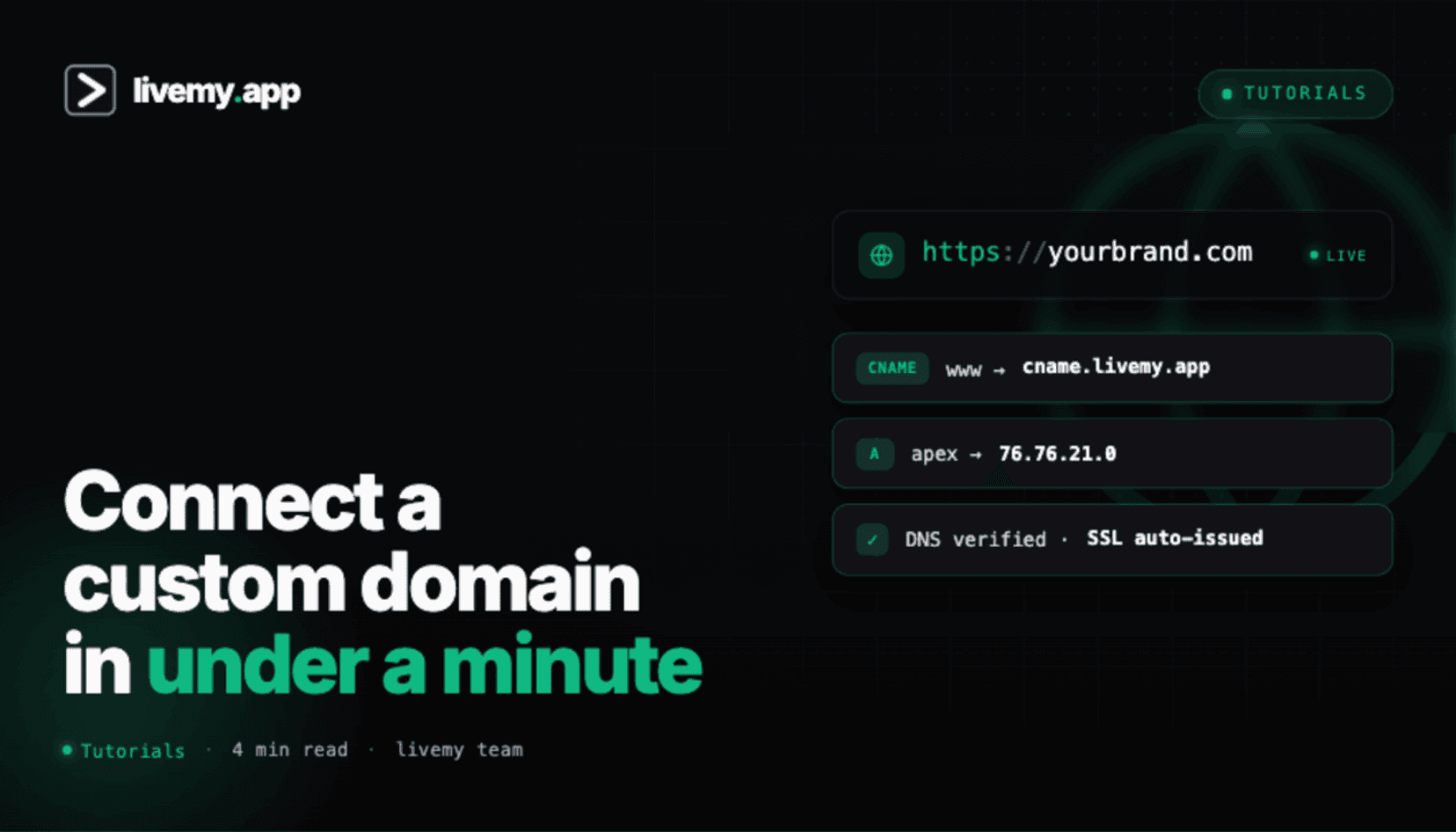
A record: points a domain at an IP address (e.g., 203.0.113.10 — your host's IP, which you'll find in your dashboard). Used for apex domains because some hosts can only target apex via A records.
CNAME record: points a domain at another domain (e.g., your-app.livemy.site). Used for subdomains and modern hosts that prefer this approach.
Your host will tell you exactly which records to add. livemy.app, for example, shows the exact A record and CNAME values in the project settings the moment you add a custom domain.
Step-by-step: add a custom domain on livemy.app
Step 1: Add the domain in your livemy.app project
One prerequisite: custom domains on livemy.app are available on the Maker plan ($10/month) and above — the Free tier runs on a livemy.site subdomain only. Open your project on my.livemy.app, click Project Settings → Domains → Add custom domain. Paste your domain (e.g., yourapp.com). livemy.app displays the DNS records to add at your registrar.
Step 2: Add the DNS records at your registrar
Log into your registrar (Cloudflare, Namecheap, GoDaddy, Porkbun — whichever you used to buy the domain). Find the DNS settings panel.
For apex (yourapp.com): add an A record. Name: @. Value: the IP address livemy.app showed you.
For www subdomain (www.yourapp.com): add a CNAME record. Name: www. Value: your-app.livemy.site.
Save. Most registrars apply changes within seconds; some take a few minutes.
Step 3: Wait for DNS propagation
DNS changes propagate through the internet's DNS servers over 1 minute to 24 hours, depending on the previous record's TTL (time-to-live) and your registrar's update speed. Most modern registrars hit propagation in under 10 minutes.
Check propagation with dnschecker.org — enter your domain, watch as more servers return the new value. Once most checkmarks are green, propagation is essentially complete.
Step 4: SSL fires automatically
Within minutes of propagation, livemy.app provisions a free SSL certificate for your domain. The browser padlock appears. The domain serves HTTPS. No manual cert work required.
Step 5: Set up the www redirect
Most users want both yourapp.com and www.yourapp.com to lead to the same place. livemy.app's domain settings include a redirect toggle — enable "Redirect www to apex" (or the reverse if you prefer the www version). Both URLs now point at the same app.
Registrar-specific notes
Cloudflare Registrar
DNS settings live in the Cloudflare dashboard → your domain → DNS. Add records as usual. Important: Cloudflare's "proxy" mode (the orange cloud icon) puts Cloudflare in front of your traffic. For most setups, leave it enabled (free CDN benefit). For some configurations, disable it temporarily during SSL setup if the host complains about certificate issuance.
Namecheap
Dashboard → Domain List → Manage → Advanced DNS tab. Add records. Apply changes. Namecheap's UI is clean and DNS usually propagates in under 5 minutes.
GoDaddy
My Products → your domain → DNS. Add records. Save. GoDaddy occasionally takes 15–30 minutes to fully propagate — patience is the cure.
Porkbun
Account → your domain → DNS Records. Add records. Save. Porkbun is widely loved for its clean DNS UI and fast propagation.
Five things that quietly break custom domain setup
1. Existing DNS records conflict with the new one
Symptom. You added the A record but the domain still resolves to an old IP or shows the registrar's parking page.
Cause. An older A record (or AAAA, or CNAME) is still there from a previous setup.
Fix. Delete every existing record for the host name (@ for the apex record, www for the subdomain) before adding the new one. DNS routes to the first matching record — leftovers from old hosts win the race.
2. Using a CNAME on apex (where it's not supported)
Symptom. Your registrar rejects the CNAME or DNS lookups fail intermittently.
Cause. The DNS standard forbids CNAME at the apex. Some registrars (Cloudflare, DNSimple, Route 53) support "CNAME flattening" or "ALIAS" records that work around this. Many registrars don't.
Fix. Use an A record at apex pointing at the host's IP. Save CNAMEs for subdomains.
3. Long TTL on the previous record
Symptom. DNS propagation seems stuck even hours after the change.
Cause. The previous record had a high TTL (time-to-live, often 24 hours). DNS caches around the world won't fetch the new value until the TTL expires.
Fix. The day before you move hosts, lower the TTL on your records to 300 seconds (5 minutes). Caches expire quickly. After the move, set TTL back to 3600 (1 hour) or higher to reduce DNS lookup load. Forgot to lower TTL ahead of time? Just wait — 24 hours and you'll be good.
4. Cloudflare proxy interfering with SSL issuance
Symptom. Your host says it can't verify domain ownership for the SSL certificate.
Cause. Cloudflare's proxy (orange cloud) is in front of your traffic, so the host's SSL issuance check doesn't reach your actual server.
Fix. Temporarily set Cloudflare's record to "DNS only" (gray cloud) during SSL issuance. Once the cert is provisioned, re-enable the orange cloud if you want Cloudflare's CDN.
5. Forgetting to update environment variables after domain change
Symptom. The domain serves the app, but OAuth login redirects break, webhooks fire to wrong URLs, or email links point to the old subdomain.
Cause. Your app reads variables like NEXTAUTH_URL, BASE_URL, or SITE_URL from environment variables that still reference the host's temporary subdomain.
Fix. Update every URL-related environment variable to your new custom domain. Redeploy. Update OAuth redirect URIs in Google Cloud Console, Slack app dashboards, GitHub OAuth apps, etc., to match.
FAQ
How long does DNS propagation take?
Typical: 1–10 minutes for modern registrars. Worst case: 24 hours. The factor is the TTL on the previous record — short TTL = fast propagation, long TTL = slow. Use dnschecker.org to watch progress globally.
Can I use any registrar with any host?
Yes — every registrar supports A and CNAME records, which is all you need. Cloudflare Registrar tends to be the cheapest and has the best DNS UI; Porkbun and Namecheap are popular for ease of use; GoDaddy works but is more expensive.
Do I have to use Cloudflare?
No. Cloudflare offers free DNS + CDN, which is great for static sites. For dynamic apps on hosts that manage DNS and SSL for you (livemy.app, Vercel, Netlify), Cloudflare's CDN is redundant and sometimes adds complexity to SSL. Use Cloudflare if you want their security features (DDoS protection, WAF); skip it if you're keeping things simple.
Should the domain go to apex or www?
Up to you, but pick one as the canonical and redirect the other. Modern preference: apex as canonical, redirect www to apex. This is the default on most major hosts and gives the cleanest sharing experience.
Does SSL cost extra?
No — every modern host (livemy.app, Vercel, Netlify, Cloudflare Pages, Render, Railway) auto-issues free Let's Encrypt SSL certificates as part of the deploy. No CA, no manual purchase. The era of paying for SSL certs is over for standard use cases.
Can I move my domain to a different host without downtime?
Yes. Deploy to the new host first, confirm everything works on the temporary subdomain. Lower the TTL on your current DNS records to 300 seconds at least an hour before the cutover. Update the records to the new host. DNS propagates fast at low TTL; users see virtually no downtime. After the move stabilizes, raise TTL back to 3600.
Connect your domain — 5 minutes, browser padlock automatic
If you've deployed an app and bought a domain, you're 5 minutes away from a live URL with HTTPS and the browser padlock.
→ Start free on livemy.app · Custom domain, free Let's Encrypt SSL, www redirect all built in. $10/month flat on Maker.
Stuck on a DNS record that won't propagate, or an SSL certificate that won't issue? Email hello@livemy.app with your domain. Replies inside one business day.
Read next

Dmytro Chervonyi
,
Co-founder & CMO, livemy.app
Co-founder & CMO at livemy.app. 12 years as a CMO scaling SaaS from $0 to $10M+ ARR across marketing, sales, and infra products and tools. Now building the missing step between AI-built code and a live URL — for non-developers who’d rather ship than learn DevOps.


