How to deploy a Claude Artifact to a live URL in 2026
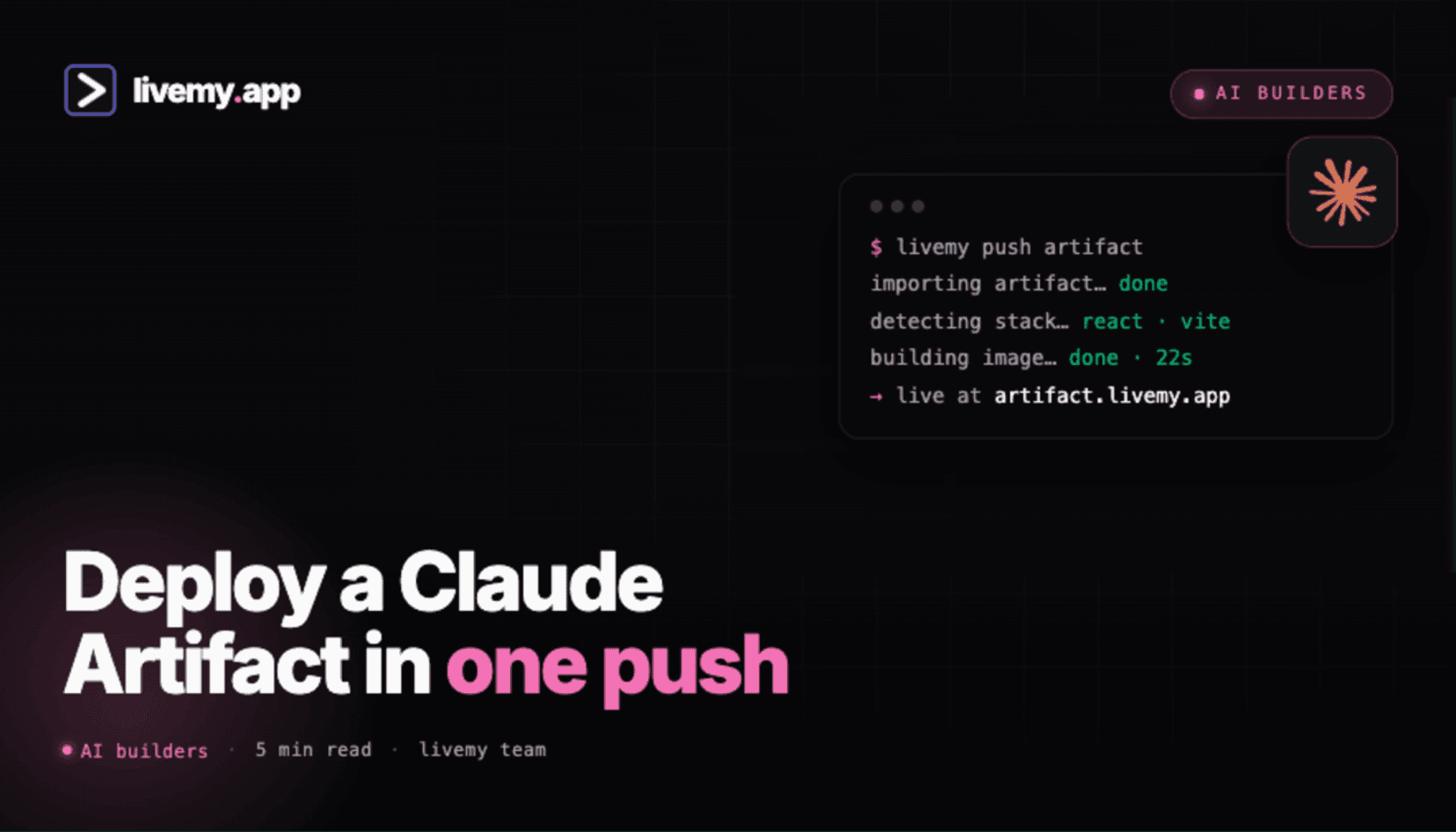
Claude Artifacts ship inside Claude.ai — React components, HTML pages, interactive widgets all rendered live in a side panel. They're built for previewing, not for hosting. Three ways to extract the code and put it on a real URL.
Dmytro Chervonyi
Co-founder & CMO, livemy.app
Last updated
TABLE OF CONTENTS
item
AI Summary
Claude Artifacts is Anthropic's output format for code, documents, diagrams, and interactive content — available on all Claude plans, including Free, renders live in a side panel of the chat. They're designed for previewing and sharing, not for production hosting. The Artifact lives inside claude.ai; if you want a real URL on your own domain, you need to extract the code and host it somewhere else. Three paths exist: the official Anthropic share link (lives on claude.ai's subdomain), the community Artifact runners (open-source projects that turn an Artifact into a Vite + React project ready for any host), or the manual copy-paste flow into your own scaffolded project. This guide walks all three plus the 3-minute deploy to livemy.app, the five gotchas that hit when Artifacts leave the Claude environment, and the cost math.
What Claude Artifacts is and what it isn't
Claude Artifacts is Anthropic's output format for code, documents, diagrams, and interactive content. Available on all Claude plans, including Free, and inside Projects. When Claude generates something substantial — a React component, an HTML page, a Mermaid diagram — a side panel opens with a live preview you can interact with.
What Artifacts is: a great way to iterate on small apps and components in the chat. Single-file React components, interactive widgets, HTML pages, SVG illustrations.
What Artifacts isn't: a hosting platform. There's no "Deploy to my domain" button. The Artifact lives inside claude.ai and any share link is on Anthropic's subdomain. For a real production URL on your own domain, you need to extract the code and host it somewhere else.
This is normal and intentional — Anthropic builds Claude, not a hosting platform. The rest of this guide is how to bridge the gap. If the whole idea of putting something online is new to you, our plain-English guide to publishing a website covers what "publish" actually means before you pick a path here.
Three ways to take a Claude Artifact to a live URL
Path A: Anthropic's built-in share link
Click the share icon in the Artifact panel. Claude generates a shareable URL on a claude.ai subdomain. Anyone with the link can view the Artifact, including interactive React components.
The catches. URL is on Anthropic's domain, not yours. No custom domain option. The Artifact requires the original chat to remain accessible (deleting the chat removes the share). No control over SSL, caching, or analytics.
When this works. Quick demo to a colleague, internal share, throwaway test. Not for a real product. If what you actually need is to show someone a project running on your own machine for an hour, that's a different tool entirely — see ngrok alternatives.
Path B: Community Artifact runners (the open-source toolchain)
An ecosystem of open-source tools grew up in 2024–2026 to turn Artifacts into deployable projects:
claude-artifact-runner — turns a single React Artifact into a deployable React app in seconds
claude-artifacts-react — lightweight wrapper for deploying Claude Artifact React code to Vercel or Cloudflare Pages
claude-artifact-unpacker — Python tool to extract multi-file projects from Artifacts into local directories
claude-artifacts-downloader — Chrome extension to download Artifacts from a Claude conversation as a ZIP file
Pick one based on your needs. claude-artifact-runner is the simplest for single React Artifacts; the unpacker is the best for complex multi-file projects.
Path C: Manual scaffold and copy
For full control, scaffold a new Vite + React project (npm create vite@latest), copy the Artifact code into src/App.jsx, install any libraries the Artifact imports (Lucide, Recharts, etc.), npm run dev to verify locally, push to GitHub, deploy.
When this works. You want the cleanest project structure, you'll keep iterating on the code, or you need to integrate the Artifact into an existing larger app.
From Artifact to a live URL on livemy.app (about 3 minutes)
Step 1: Extract the Artifact code
Two options. Fast: use the claude-artifacts-downloader Chrome extension to get a ZIP. Cleaner: use claude-artifact-runner to scaffold a deployable React project around your Artifact code with one CLI command.
For HTML Artifacts, just copy the HTML into index.html in an empty folder. No build step needed for static HTML.
Step 2: Push to GitHub (optional but recommended)
Create a new GitHub repo, push your scaffolded project. Cursor, Windsurf deployment, or just the GitHub CLI all do this in 30 seconds. Skip this step if you'd rather upload a ZIP directly.
Step 3: Sign up at livemy.app
Go to livemy.app, click Start free. Pick Maker ($10/month) for production hosting.
Step 4: Connect repo or upload ZIP
In the dashboard: New project → Connect repo (or Upload archive). livemy.app auto-detects Vite + React, runs the build.
Step 5: Add environment variables (if your Artifact uses APIs)
If your Artifact calls an external API (Anthropic, OpenAI, weather data, anything), add the API key as an environment variable under Project Settings → Environment Variables. For Vite, prefix with VITE_.
Step 6: Deploy and point your domain
Click Deploy. 2–3 minutes later you have a URL on your-app.livemy.site. Add custom domain, update DNS, wait for SSL. Done.
Five things that quietly break Artifacts outside Claude
1. Artifact assumed it's running in Claude's sandbox
Claude's Artifact preview runs inside a sandboxed iframe with specific globals available (Anthropic's host environment exposes certain helpers). Outside Claude, those globals don't exist — the Artifact crashes on load with "undefined is not a function".
Fix. Inspect the Artifact code for references to Anthropic-specific globals. Replace with standard browser APIs or imports.
2. Imports the Artifact "had access to" don't exist in your scaffold
Claude's Artifact preview pre-loads common libraries (React, Lucide, Recharts, Tailwind, etc.). Your scaffold has to install each one explicitly. Missing import = build fails.
Fix. Read every import at the top of the Artifact code. Run npm install for each. claude-artifact-runner handles this automatically; manual scaffolds need a checklist.
3. Tailwind classes don't render without Tailwind setup
Most Artifacts use Tailwind. The Claude preview includes Tailwind via CDN; your scaffold needs the Tailwind config, the PostCSS pipeline, and the directive in your CSS file. Without that setup, every class is a no-op.
Fix. Install Tailwind in the scaffold: npm install -D tailwindcss postcss autoprefixer && npx tailwindcss init -p. Add the Tailwind directives to your CSS. The community Artifact runners handle this; manual scaffolds need it explicitly.
4. API calls were proxied through Claude
If the Artifact called an API, the call may have been routed through Claude's proxy in the preview (so it worked without exposing your API key). Outside Claude, you make the call directly, which means CORS and the API key both become your problem.
Fix. Move API calls server-side (a backend route on livemy.app) instead of directly from the browser. Add the API key as an environment variable on the host. Never embed an API key in client-side code shipped to a real URL.
5. Multi-file Artifacts get flattened on naive export
Claude can generate multi-file Artifacts (a project with several files). The standard copy-paste flow flattens them — you end up with all code in one file that doesn't compile.
Fix. Use claude-artifact-unpacker (the Python tool that extracts multi-file Artifacts into a proper directory structure). Or work with single-file Artifacts when you intend to deploy.
Cost: Anthropic share link vs hosting on livemy.app
Real numbers for taking a finished Artifact public.
Anthropic share link: $0, but lives on claude.ai's subdomain, requires the source chat to stay accessible, no custom domain.
Cloudflare Pages free tier: $0 with custom domain. Static or Vite-shaped Artifacts only.
livemy.app Maker: $10/month flat. Any Artifact that compiles to a Vite or HTML build. Custom domain, SSL, monitoring all included.
For a one-off share, the Anthropic link is fine. For anything you'd put on a resume or business card, you want your own domain — which means livemy.app or Cloudflare Pages.
FAQ
Can I host a Claude Artifact on my own domain?
Yes, but not through Claude directly — you extract the code and host it on a separate platform. Use claude-artifact-runner or the unpacker tools to turn the Artifact into a deployable project, then deploy on livemy.app, Vercel, Cloudflare Pages, or any modern host.
Will Anthropic add native deployment to Claude Artifacts?
As of mid-2026, Anthropic's official Artifact share link covers most quick-share use cases but doesn't include custom domain or production hosting. Whether they add it long-term is up to them. The community toolchain (artifact-runner, artifact-unpacker, etc.) fills the gap today.
What's the easiest way to deploy a single React Artifact?
Use claude-artifact-runner from the command line. It scaffolds a Vite project, copies your Artifact code into the right place, installs typical Artifact dependencies (Lucide, Recharts, Tailwind). You end up with a project ready to git push and deploy.
Why does my Artifact work in Claude but break when I deploy it?
Five common reasons: Claude-specific globals not available outside the sandbox, missing imports your scaffold didn't install, Tailwind classes without Tailwind setup, API calls that depended on Claude's proxy, and multi-file Artifacts flattened on export. The five-gotchas section above covers each.
How is this different from deploying a ChatGPT-built app?
The shape of the problem is the same — code generated inside a chat interface that has no hosting of its own — but the extraction differs. Claude gives you an Artifact panel and a community toolchain around it; ChatGPT hands you code in the conversation or a Canvas document you copy out yourself. The walkthrough for that side is in deploying a ChatGPT app.
Can I use Claude Artifacts as a no-code app builder?
For small interactive widgets and components — yes, it's surprisingly good. For full apps with backend, authentication, and database — no, that's outside Artifacts' design. Tools like Lovable, Bolt.new, and v0 are purpose-built for that workflow if you can't code.
Ship your Claude Artifact — from sandbox to your own URL
If you've built something in a Claude Artifact and want it on your own domain, the toolchain is good and the deploy is fast. Use claude-artifact-runner to scaffold the project, then ship to livemy.app.
→ Start free on livemy.app · Auto-detect for Vite + React (the typical Artifact shape) · Custom domain, SSL, monitoring on Maker at $10/month flat.
Stuck unpacking a multi-file Artifact or hitting one of the five gotchas? Email hello@livemy.app with the Artifact share link. Replies inside one business day.
Read next

Dmytro Chervonyi
,
Co-founder & CMO, livemy.app
Co-founder & CMO at livemy.app. 12 years as a CMO scaling SaaS from $0 to $10M+ ARR across marketing, sales, and infra products and tools. Now building the missing step between AI-built code and a live URL — for non-developers who’d rather ship than learn DevOps.


